

Replace Manual Tracking
Move away from spreadsheets, duplicate entry and disconnected operational files.
Connect finance, sales, purchasing, inventory and operations in one cloud ERP—with implementation, migration, customization, training and support from Leaforge.
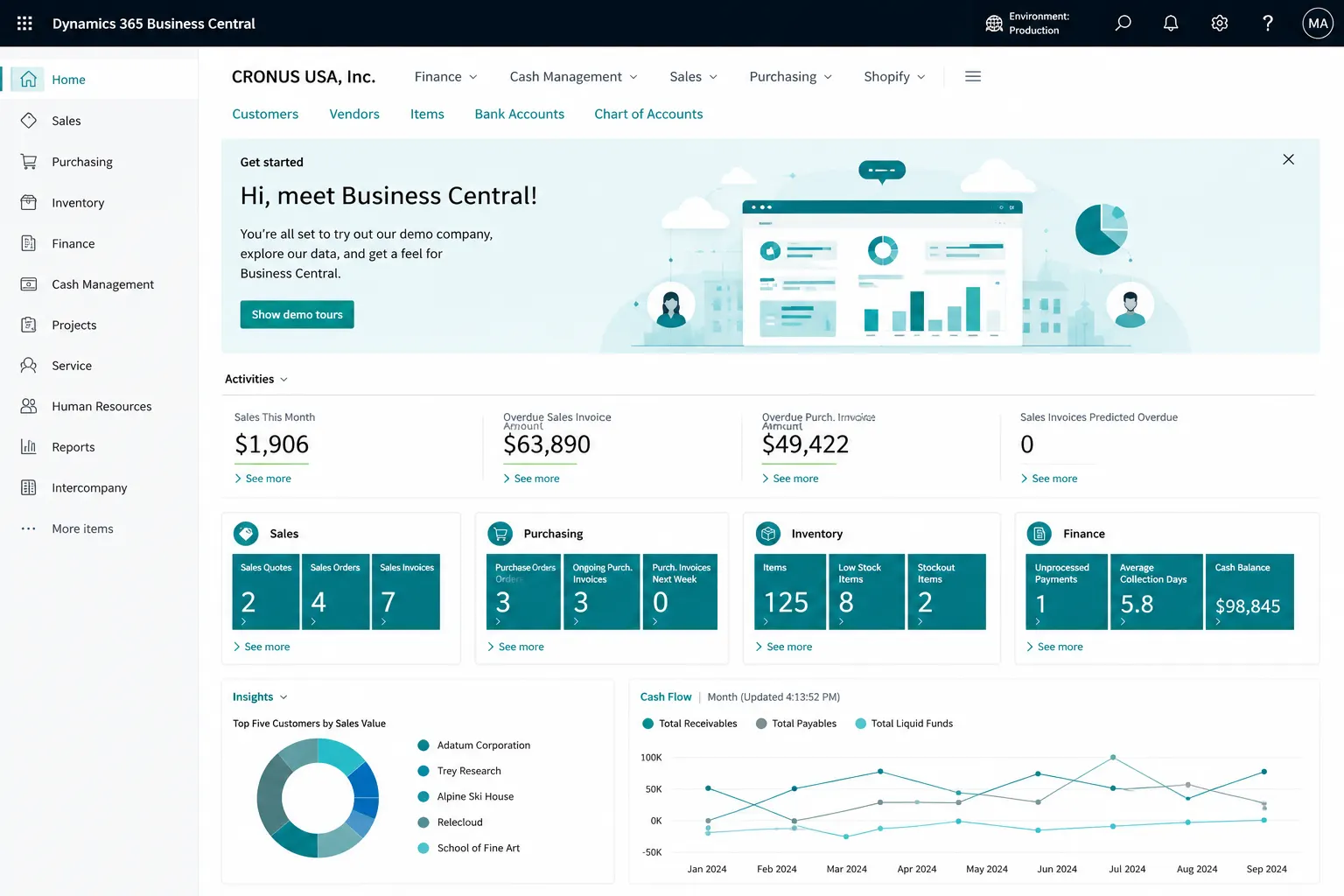
Business Central connects financial management with sales, purchasing, inventory, warehousing, projects, service, manufacturing and reporting in one business system. It is a strong fit for organizations that have outgrown manual work, separate applications or limited accounting software and need better control across departments.
The right solution depends on your processes. Leaforge helps you assess what can remain standard, what needs configuration, and where reporting, extensions or integrations may be required.
Assess Business Central FitStart with the business problem, not the software. These are common situations where a Business Central fit assessment can help clarify the next step.
Move away from spreadsheets, duplicate entry and disconnected operational files.
Connect financial management with sales, purchasing, inventory and operational processes.
Plan a controlled move from an older ERP while reviewing data, processes and customizations.
Give departments a shared system for transactions, controls and reporting.
Address reporting, support, integrations, workflows, extensions or user-adoption gaps.
Create more consistent processes, responsibilities and business data across departments or companies.
Start with the capabilities your teams need now, then extend the solution as requirements evolve.
Manage general ledger, receivables, payables, banking, fixed assets, budgets, cash flow and financial reporting with shared dimensions and controls.
Explore Financial Management →Manage customers, quotes, orders, pricing, fulfilment, invoicing and returns while connecting sales activity with inventory and finance.
Explore Sales & Customer Management →Control vendors, purchase orders, approvals, receipts, invoices, item charges and payments through a connected procure-to-pay process.
Explore Purchasing & Payables →Track stock, availability, replenishment, costing and warehouse activity from receipt through picking and shipment.
Explore Inventory & Warehouse →Plan production with bills of material, routings, production orders, material requirements, capacity and manufacturing cost visibility.
Explore Manufacturing →Manage project budgets, resources, time, purchases, billing and profitability so project activity and finance remain connected.
Explore Project Management →Use standard reports, dimensions, analysis views, Excel and Power BI to turn Business Central data into management-ready insight.
Explore Reporting & Analytics →Manage service items, requests, contracts, parts, resource activity and service billing when your operation requires service-management processes.
Explore Service Management →Explore practical AI-assisted experiences and automation opportunities while validating feature availability, governance and user readiness for your environment.
Explore Copilot & AI →Connect Business Central with Microsoft productivity, reporting, workflow, app and integration tools based on the user experience you need to create.
Explore Microsoft 365 & Power Platform →Business Central creates a common system for financial and operational processes, helping teams work with more consistent data and controls.
Bring core transactions and business data into one ERP environment so teams work from a shared source of information.
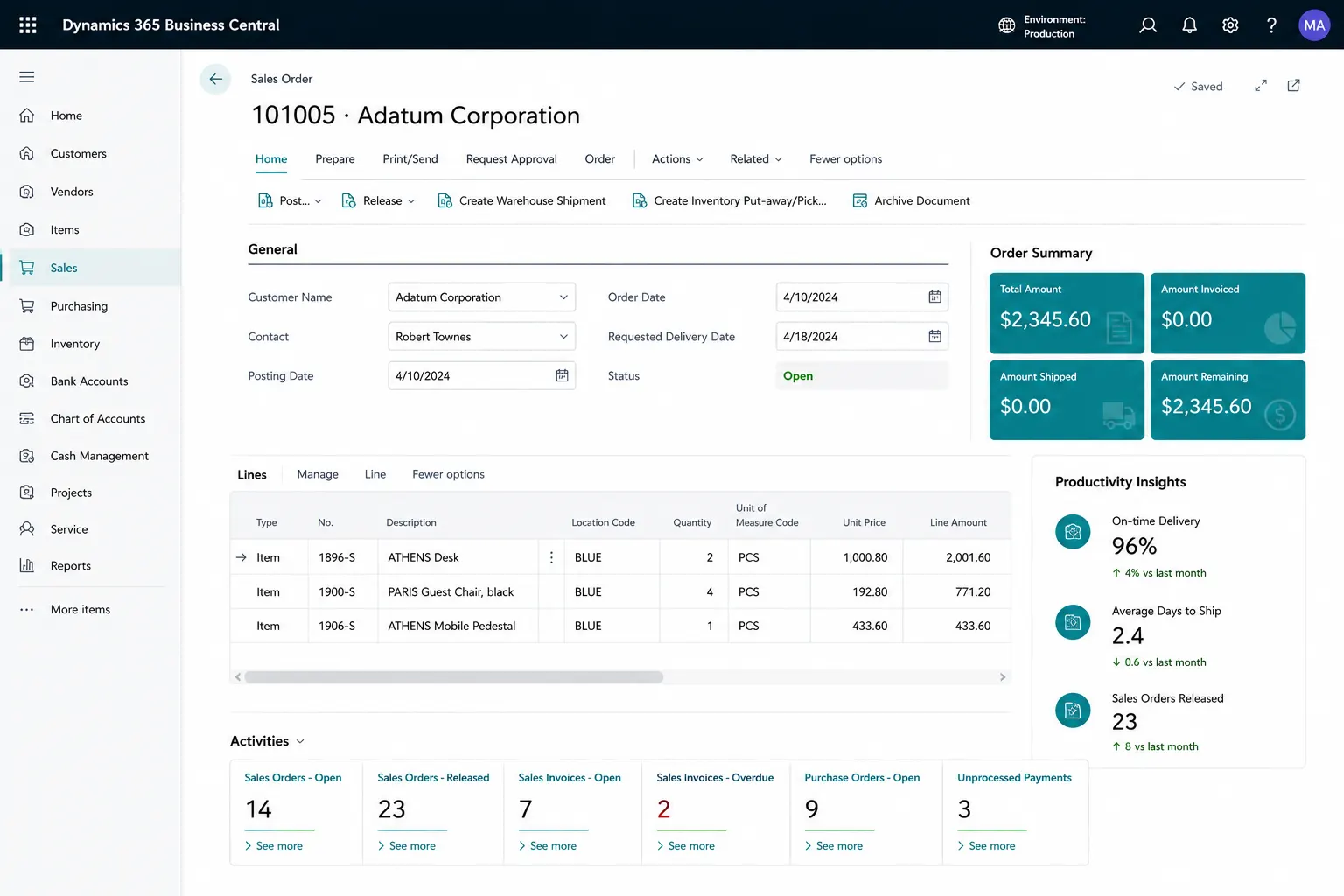
Use roles, approvals and defined process steps to reduce uncontrolled handoffs and improve accountability.
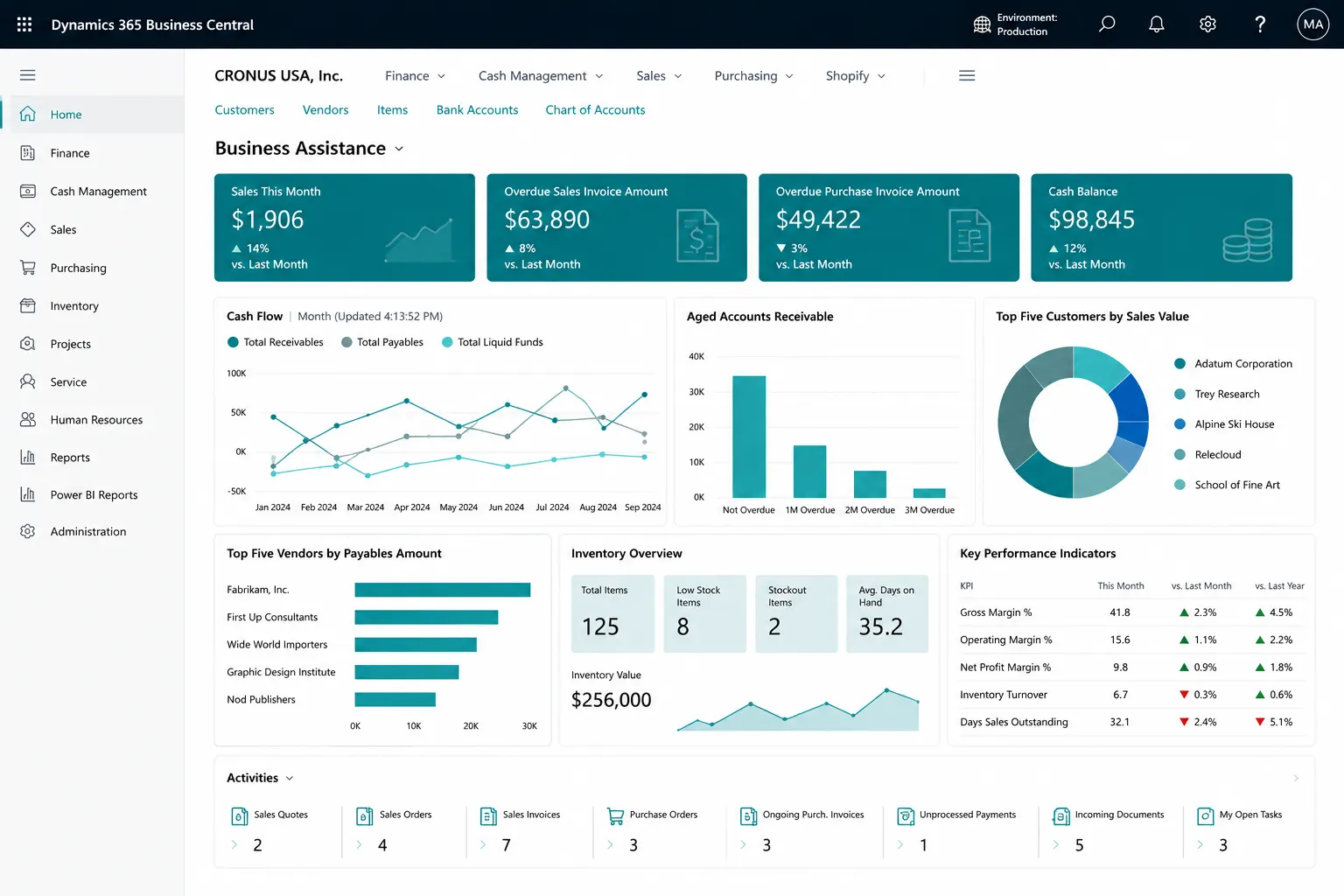
Use connected data and reporting to understand what is happening across the business and investigate exceptions faster.
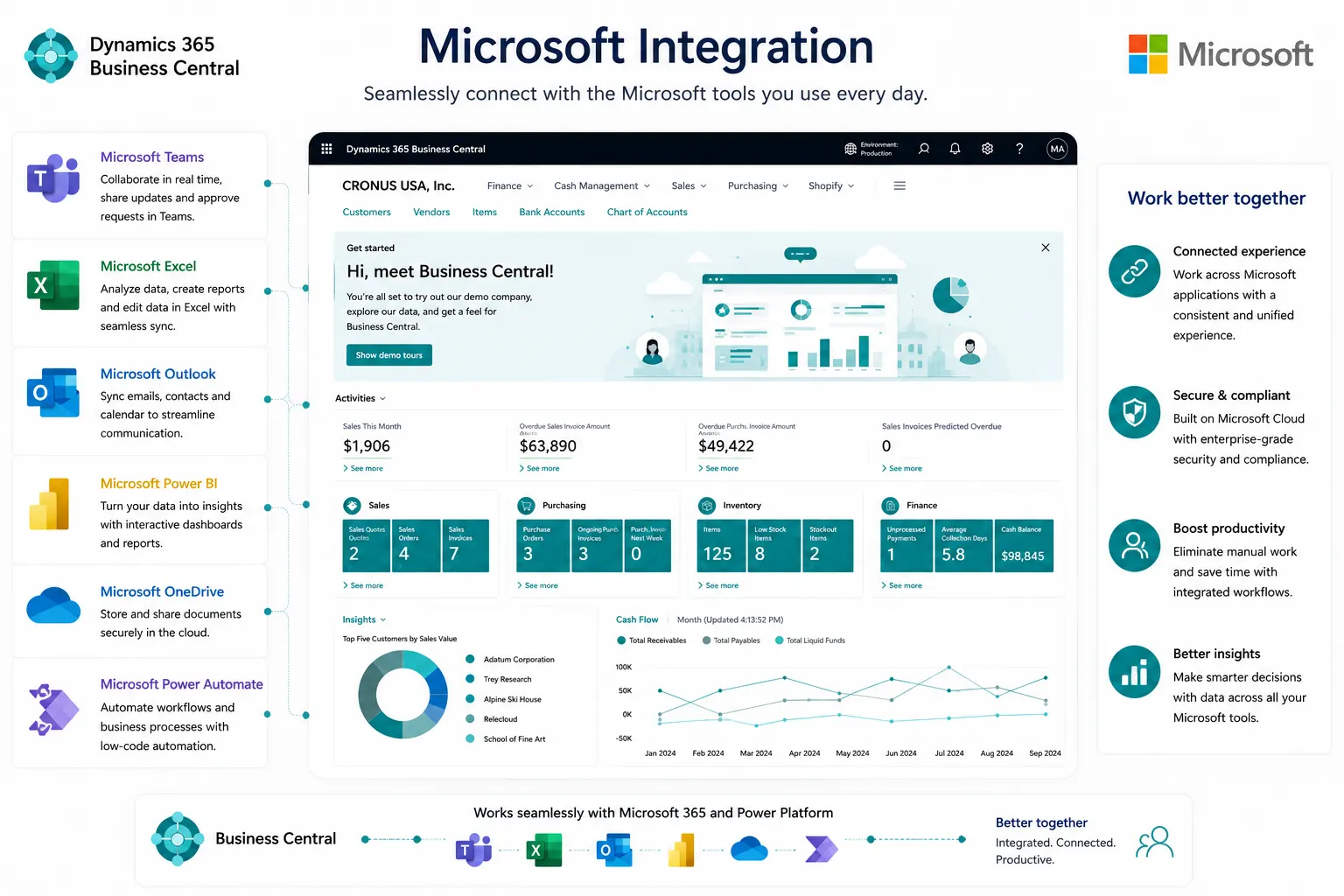
Add reporting, Microsoft ecosystem tools, approved extensions or integrations when a validated business requirement calls for them.
Keep the product choice simple here and validate detailed licensing against your user roles and requirements.
Essentials covers the common Business Central experience, including financial management, sales, purchasing, inventory and other core business functionality used by many small and mid-sized organizations.
Compare Business Central Plans →Premium adds Manufacturing and Service Management capabilities to the common Business Central experience for organizations that need those operational processes.
Compare Business Central Plans →Business Central connects with Microsoft 365 and can be extended through tools such as Outlook, Excel, Teams, Power BI, Power Automate, Power Apps, Dataverse and APIs. The right combination depends on the user experience, automation and integration requirements you are trying to solve.
Explore Microsoft 365 & Power PlatformThese capabilities can be valuable in the right context, but they should be assessed against your specific processes, market and solution architecture.
Business Central includes basic employee record and absence functionality, but it should not be positioned as a full HR or HCM platform.
Business Central includes a Microsoft-supported Shopify connector and can integrate with other commerce, marketplace or operational platforms depending on your architecture.
Business Central supports international deployments across many countries and regions. Localization, regulatory requirements and feature availability should be validated for each market.
Business Central includes sustainability capabilities for capturing, analyzing and reporting environmental data. Relevance depends on your reporting requirements and deployment configuration.
Use Microsoft AppSource solutions, approved extensions, APIs or custom AL development where a validated requirement cannot be met through standard configuration.
Business Central is flexible, but some requirements may need more than standard configuration. A fit assessment should identify what stays standard, what is configured, and what needs an extension or integration before scope and budget are finalized.
Advanced warehouse automation, specialist manufacturing, quality processes or MES may require additional solutions or integration.
Payroll, specialized CRM, field service, commerce, vertical applications or third-party operational systems may need to remain connected.
Sector-specific workflows, regulatory needs or local requirements should be assessed separately rather than assumed to be standard.
Business Central can support a wide range of operating models, but the right configuration depends on your processes, reporting needs, integrations and any industry-specific requirements. Explore how Leaforge approaches Business Central by industry.

Connect production planning, material availability, purchasing, inventory and costing so teams can manage manufacturing with better operational control.
› Explore Industry
Connect purchasing, stock, customer orders, warehouse activity and costing to improve control across the order-to-delivery process.
› Explore Industry
Use Business Central as the ERP backbone for inventory, orders, purchasing and finance, with integrations to commerce, marketplace or POS systems where required.
› Explore Industry
Bring projects, time, expenses, purchasing, billing and financial reporting together for clearer project and services performance.
› Explore Industry
Manage project budgets, purchasing, costs, billing and financial reporting in a connected environment built around project control.
› Explore Industry
Connect purchasing, lot and expiry tracking, inventory, production and sales while assessing any specialist quality or industry requirements separately.
› Explore Industry
Improve visibility across purchasing, stock, lot or serial tracking, customer orders and finance for medical supply and equipment operations.
› Explore Industry
Manage product variants, purchasing, inventory, orders and distribution while assessing specialist size-color or fashion workflows where required.
› Explore Industry
Structure budgets, dimensions, approvals and financial reporting to improve visibility across programs, funds and organizational spending.
› Explore IndustryOnce Business Central is the right product fit, the next decision is how it should be implemented. Leaforge offers clearly scoped Rapid5/Rapid8 packages for suitable standard-first requirements and a full implementation approach for broader or more complex projects.
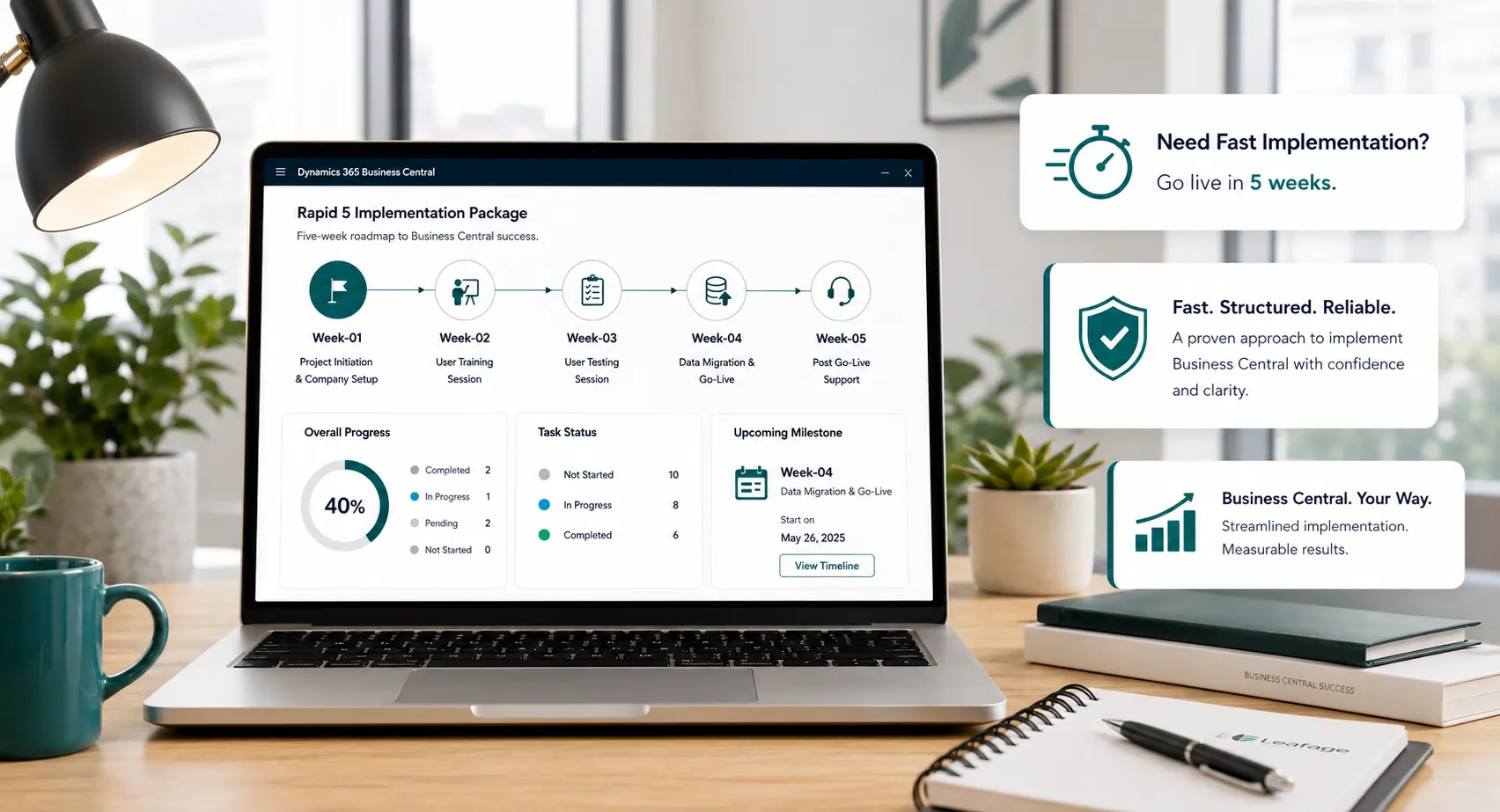 Rapid5 & Rapid8
Best suited to businesses with clearly defined requirements, clean enough data, available decision-makers and a willingness to work within a standard-first scope.
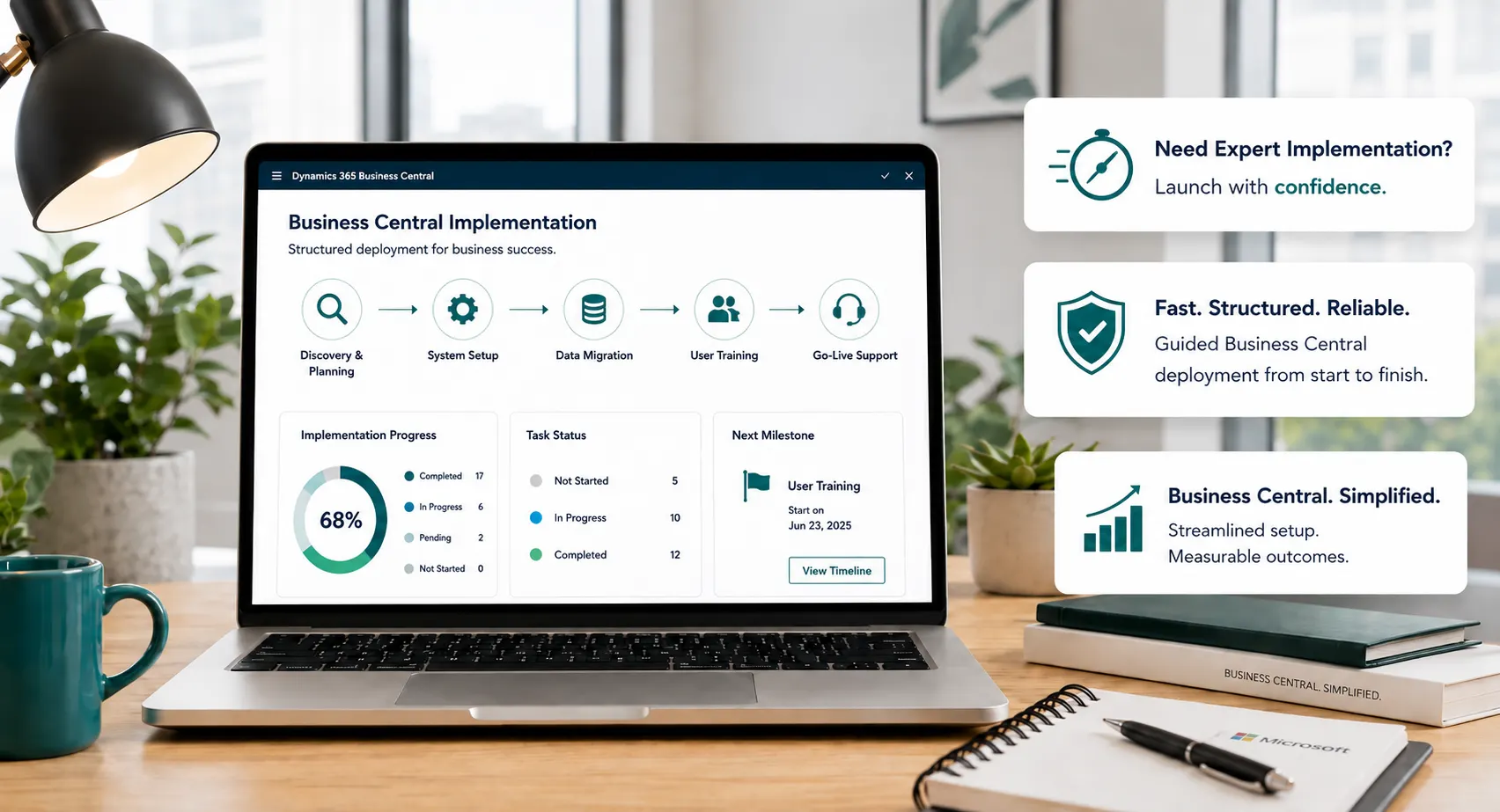 Full ERP Project
Designed for broader requirements such as process redesign, complex data migration, multiple companies, integrations, custom extensions or phased deployment.

Choosing the ERP product is only part of the decision. Leaforge helps you assess fit, define scope, configure the right capabilities and plan the data, integrations, testing, training and support needed to make Business Central work in practice.
We help you determine whether Business Central fits your processes before implementation scope is finalized.
We map business processes and requirements before deciding what should be standard, configured, extended or integrated.
We separate Rapid-fit requirements from broader full-implementation needs so scope and expectations are clear.
We use standard functionality where practical and recommend extensions or integrations only where they are justified.
Testing, training and role-based user adoption are planned as part of implementation rather than added at the end.
Leaforge can support and improve Business Central after launch as reporting, integrations, processes and user needs evolve.
Here are answers to common Business Central questions. The right recommendation depends on your processes, users, data, reporting and integration requirements.
Business Central is designed for small and mid-sized organizations that need connected financial and operational processes. Suitability depends less on employee count alone and more on process complexity, data, integrations, reporting and the capabilities your teams need.
Essentials provides the common Business Central experience. Premium adds Manufacturing and Service Management capabilities. Licensing should be confirmed against the users and functionality required in your environment.
Often, yes—but the migration should begin with a fit assessment. Existing data, historical requirements, custom processes, integrations and reporting needs can all affect the recommended scope and implementation route.
Business Central supports APIs and can work with Microsoft ecosystem tools, connectors and approved extensions. The integration design should define which system owns each data set, how transactions move between systems and who supports the integration.
Use standard functionality and configuration where practical. Consider an extension or integration when a validated business requirement cannot be handled effectively through the standard product and the added complexity is justified.
Timeline depends on scope, data, integrations, custom development, companies, user readiness and decision speed. Leaforge offers Rapid5/Rapid8 for eligible clearly scoped projects, while broader requirements follow a full implementation plan.
Rapid packages are designed for suitable standard-first requirements with clearly defined scope and readiness. A full implementation is more appropriate for complex migration, broader process redesign, integrations, extensions, multiple companies or phased rollout.
Yes. Leaforge can review an existing Business Central environment and help with support, reporting, configuration, integrations, extensions, training and improvement priorities based on the current system and business needs.
Tell us what you use today, what is not working and what you need the new ERP to support. We can help you assess Business Central fit and the right implementation approach.