

Project budgets and actuals are disconnected
Planned resource, item and expense values are difficult to compare with posted activity and financial results.
Connect project planning, resources, time, purchasing, material usage, invoicing, WIP and profitability in one Business Central project-accounting process.
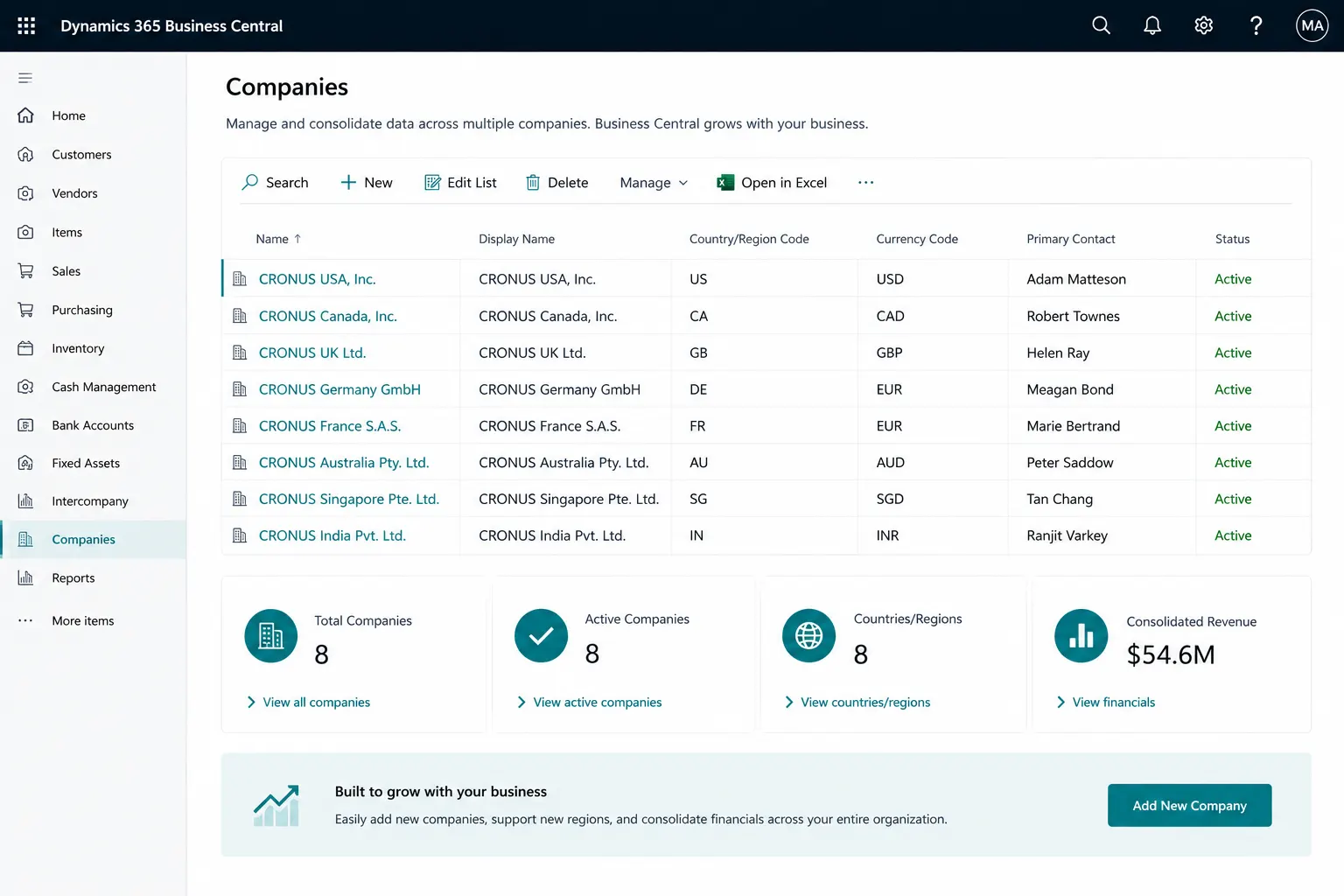
Business Central Projects brings project structure, resource planning, time, supplies, usage, billing and WIP into the same ERP as finance. The design should start with how projects are budgeted, staffed, costed, billed and recognized financially.
Project teams often manage delivery in one place and accounting in another. Business Central can reduce the gap between planning, time, purchasing, invoicing and financial control.
Planned resource, item and expense values are difficult to compare with posted activity and financial results.
Resource time is recorded late, outside the ERP or without a clear approval and posting process.
External services, items and expenses are not consistently connected to the project and task that consumed them.
Billable work and invoice timing depend on manual trackers rather than project planning and usage data.
Finance spends time rebuilding project progress and recognition calculations at period end.
Internal cost, billing rate and capacity assumptions are not managed consistently across projects.
Managers cannot easily see cost, revenue, billable value and margin while the project is still active.
Delivery, invoicing and accounting reports require repeated reconciliation before they can be trusted.
Set up the project structure and planning model first so resources, material, billing and accounting can follow the same project and task hierarchy.
Maintain the customer, responsible person, posting setup, billing details, dates, dimensions and other project controls in one project record.
Break the project into tasks so planning, usage, billing and WIP can be controlled at the level that matches how work is delivered.
Plan resources, items and G/L account activity using budget, billable or combined budget-and-billable planning lines.
Build planned quantity, cost, price and billable value across project tasks and compare the plan with actual project activity.
Connect project usage, WIP, cost and sales posting to the general ledger through a controlled posting-group design.
Use dimensions to analyze projects by department, business unit, customer segment, region or other management-reporting structure.
Associate projects with locations where project materials, inventory handling or site-specific supply processes are required.
Define the customer and billing approach for the project, including task-level customer scenarios where the commercial model requires them.
Connect resource master data, capacity, cost, price and time capture so project labor is visible in both operational and financial reporting.
Represent employees, consultants, equipment or other capacity that is planned and consumed on projects.
Group similar resources for planning, pricing, availability and reporting where individual-level setup is not required.
Maintain internal resource cost so posted time and usage contribute to meaningful project cost and margin analysis.
Set selling prices for project resources and support differentiated project billing rates where the commercial model requires them.
Maintain available capacity by period so planners can compare demand against the time resources can realistically provide.
Differentiate types of work and related pricing or cost treatment for resource activity when the project requires it.
Capture time against projects and tasks so labor usage can flow into project accounting and billing processes.
Design a controlled submission, review, approval and posting process that matches how resource time should be governed.
Record the resources, materials, expenses and vendor services used to deliver work so cost and usage remain traceable to the relevant project task.
Post resource, item and G/L account usage directly to projects and tasks through project journals.
Record actual resource consumption so time and cost are reflected in project ledger activity and profitability.
Consume inventory items on projects and connect material usage to project cost and inventory accounting.
Record project-related expenses or charges through G/L account usage when the cost does not belong to a resource or inventory item.
Purchase items or services for a project and task so external cost is linked to the project rather than treated as an unrelated payable.
Post vendor invoices for project supplies and services while retaining the connection to project accounting.
Use purchasing for subcontractors or external specialists when project work is delivered by a vendor rather than an internal resource.
Use project material handling with picks, reservations, item tracking or related inventory processes where the warehouse setup requires it.
Use project prices and billable planning lines to create a repeatable connection between work delivered, commercial terms and customer invoicing.
Set project selling prices for resources or resource groups and align billing rates with the commercial model.
Define prices for project materials and G/L based charges where they form part of billable project activity.
Identify the quantities and values intended for customer billing separately from internal budget and usage planning.
Create project invoices during the project from billable planning lines rather than waiting until every project activity is complete.
Invoice remaining billable project activity at completion when the commercial model is based on final delivery.
Invoice eligible project quantities in stages while leaving the remaining plan available for later billing.
Support task-level sell-to or bill-to customer scenarios where different parts of a project must be billed to different parties.
Generate sales invoices from project billing data so project revenue remains connected to the originating project and task.
Use project WIP and ledger data to support period-end recognition, financial reporting and ongoing review of project performance.
Select and configure the WIP approach that matches the organization’s accounting policy and project commercial model.
Use a cost-based WIP method where the financial treatment is driven by project cost and invoicing progress.
Use a sales-value WIP method where recognition is based on project sales values and progress.
Use cost-of-sales based WIP where project recognition rules require the corresponding treatment of cost and sales.
Recognize project progress using a percentage-of-completion approach when it matches the organization’s accounting policy.
Use completed-contract treatment where cost and sales recognition is deferred until the project reaches the required completion point.
Calculate project WIP and post the resulting entries to the general ledger as part of the period-end process.
Review posted project cost, price, usage and sales activity through project ledger entries and related financial transactions.
Project planning and posted activity can support operational review, financial analysis and additional reporting through Excel, Analysis Mode and Power BI.
Compare planned quantity, cost and price with posted project activity to identify overruns and delivery variance.
Review project cost, invoiced value and recognized project activity using the underlying project and finance transactions.
Understand what has been planned as billable, what has already been invoiced and what remains to be billed.
Analyze resource consumption and project time to understand where capacity and effort are being spent.
Bring cost, billing and project ledger activity together to review project margin and performance.
Use Business Central lists, analysis features and Excel for ad hoc review of project data where appropriate.
Extend project analysis with Power BI when broader KPI, trend or management reporting is required.
Use shared dimensions and general-ledger integration to analyze project performance alongside the rest of the business.
Business Central is well suited to project accounting, resources, time, project supplies, cost, billing, WIP and profitability. Advanced portfolio management, sophisticated resource optimization, detailed project scheduling, complex PSA automation or specialist revenue-management processes may require complementary Microsoft or third-party solutions.
The value comes from connecting project delivery and finance so managers can act on project performance before issues become period-end surprises.
Use a consistent project and task model for planning, usage, billing and financial review.
Bring resource time into project cost and billing instead of relying on disconnected trackers.
Link resources, items, purchases and expenses to the project that consumed them.
Use billable planning and posted project data to support repeatable customer invoicing.
Use configured project WIP methods and posting rules instead of rebuilding recognition calculations manually.
Review budget, cost, billable value and invoicing while the project is active.
Reduce reconciliation by keeping project accounting and financial posting within the same ERP environment.
Extend operational project reporting with dimensions, Excel, Analysis Mode and Power BI where needed.
Project/task structure • Planning lines • Resources & capacity • Time sheets • Items & purchases • Project billing • WIP • Project accounting • Budget vs actual • Profitability • Dimensions • Power BI.
Advanced portfolio management • sophisticated resource optimization • detailed project scheduling • specialist PSA workflows • complex contract/revenue management • CRM-led project delivery • external project portals or collaboration requirements.
Leaforge helps align project setup with the way your teams plan work, capture time and cost, bill customers, recognize WIP and review profitability.
Here are common questions about Business Central project management. The best design depends on your project model, billing rules, accounting policy, users and integration requirements.
Yes. Projects can be structured with tasks and project planning lines for resources, items and G/L accounts. Planning lines can support budget, billable, or combined budget-and-billable planning depending on how the project is managed.
Yes. Planned project values can be compared with posted resource, item, purchase and G/L usage so project managers and finance teams can review budget, actual cost, billable value and project progress.
Yes. Resources can record project time through time sheets, and organizations can design submission, approval and posting processes around their resource and project-accounting requirements.
Yes. Resources and resource groups can be set up with costs, prices and capacity so planning lines and project usage reflect the commercial and operational model used by the business.
Yes. Items, services and external resources can be purchased for projects and connected to project accounting so relevant costs and usage are visible against the project and task.
Yes, where the project and location setup supports it. Project material handling can work with inventory picks, warehouse picks, reservations, item tracking and related supply processes when required.
Yes. Project invoicing can be generated from billable planning lines and can support invoicing during the project or when work is completed, depending on the agreed billing structure.
Business Central can support customer billing at project-task level in supported scenarios, allowing different sell-to or bill-to customers to be associated with project tasks when the commercial model requires it.
Business Central provides project WIP calculation and posting methods for period-end recognition of project cost and sales. The selected WIP method and posting setup should match the organization’s accounting policy and project commercial model.
Yes. Project planning, usage, invoicing, ledger entries and WIP provide the basis for reviewing project cost, revenue, billable value, budget-versus-actual performance and margin.
Yes. Business Central project and finance data can be analyzed with Power BI, subject to the reporting model, permissions and licensing selected for the solution.
Business Central is strong for project accounting, resources, time, cost, billing and WIP. Advanced portfolio management, sophisticated resource optimization, detailed scheduling or specialist PSA processes may require complementary Microsoft or third-party solutions.
Typical preparation includes customers, projects, tasks, planning lines, resources, resource groups, costs and prices, work types, dimensions, locations, open project activity, billing rules and the finance data required for go-live.
Tell us how projects are planned, resourced, costed, purchased, billed and recognized. We can help assess standard Business Central Projects fit and any PSA, reporting or integration requirements.