

Disconnected Finance & Operations
Bring transactions from sales, purchasing, inventory and operational processes into a shared ERP and financial model.
Connect finance, sales, purchasing, inventory and operations with a Business Central solution designed around the way your business works—with implementation, customization, support and training from Leaforge.
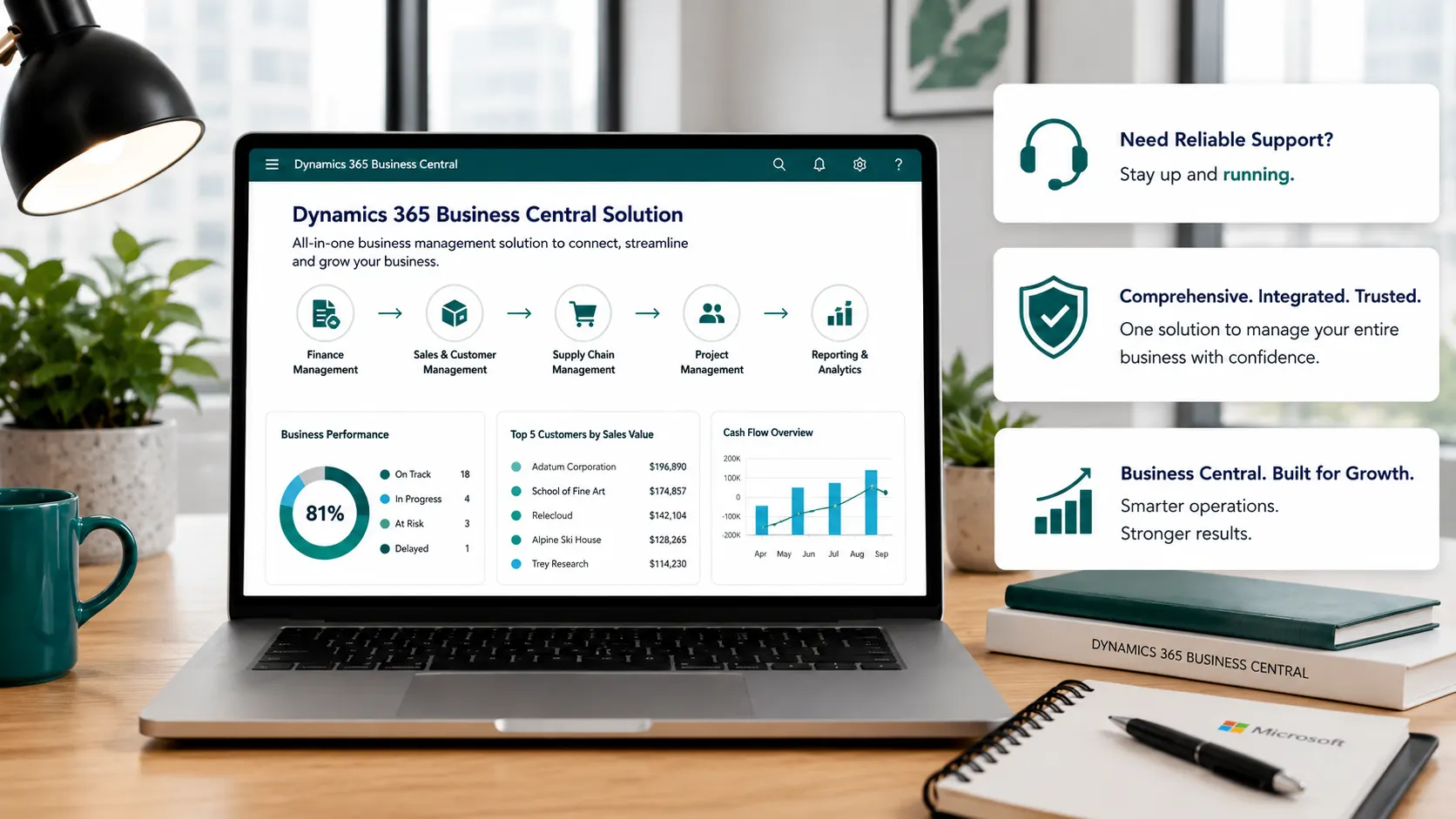
Microsoft Dynamics 365 Business Central gives growing businesses a connected ERP foundation for managing finance and day-to-day operations. Leaforge helps you turn that platform into a practical solution by aligning configuration, data, users, reporting and integrations with your business processes.
Replace disconnected processes with a more controlled flow of information across your business.
Bring transactions from sales, purchasing, inventory and operational processes into a shared ERP and financial model.
Move recurring operational work into defined ERP processes with clearer ownership, approvals and transaction history.
Give teams a consistent view of customers, vendors, orders, inventory, projects, service activity and financial information.
Replace or improve legacy processes with a cloud ERP that can be configured, extended and integrated as requirements evolve.
Whether you are evaluating Business Central, preparing for implementation or improving an existing system, Leaforge can help at the right stage.
Every business has a different mix of processes, users, data, reporting and integrations. Leaforge starts with standard Business Central where practical, then uses configuration, extensions or integrations only where they add a clear business benefit. This keeps the solution easier to understand, maintain and improve over time.
Build a connected operating model around the Business Central capabilities that matter to your organization.
General ledger, receivables, payables, banking, budgets, dimensions, fixed assets and financial reporting.
Customers, quotes, sales orders, pricing, shipments, invoices, returns and customer account information.
Vendors, purchasing, replenishment, locations, transfers, receiving, warehouse activity and inventory control.
Support production or project-based operations with the appropriate Business Central capabilities and implementation design.
Manage service items, service orders, contracts, resources, spare parts and service invoicing where Premium capability fits.
Use Business Central reporting together with Excel, Power BI, Microsoft 365 and Power Platform where appropriate.
We can help you assess fit, choose the right capabilities and licenses, prepare data, select Rapid or Full Implementation, configure the solution, train users and manage go-live.
We can help with support, reporting, process improvement, customization, integrations, upgrades, training and a structured backlog of changes after go-live.
Our approach combines business-process understanding with functional and technical Business Central delivery.
Common questions from businesses evaluating, implementing or improving Microsoft Dynamics 365 Business Central.
Microsoft Dynamics 365 Business Central is a cloud ERP solution that connects core business processes such as finance, sales, purchasing, inventory, projects, manufacturing, service and reporting. Leaforge helps businesses assess, implement, configure and improve Business Central around their operating requirements.
The right approach depends on your business processes, number of users and companies, data migration, reporting needs, integrations, industry requirements and the amount of change required. Leaforge can assess these areas and recommend the most suitable implementation or improvement path.
Rapid5 and Rapid8 are fixed-scope, standard-first implementation options for businesses that fit the defined package scope and readiness requirements. Full Implementation is designed for broader requirements such as complex migration, integrations, custom extensions, multiple companies, process redesign or phased rollout.
Yes. Leaforge can help with Business Central configuration, AL extensions, custom reports, workflows, APIs and integrations. We first review whether the requirement can be met through standard functionality or configuration before recommending custom development.
Yes. Leaforge provides support and improvement services for existing Business Central environments, including issue resolution, user guidance, reporting, integrations, release readiness, customization review and ongoing system improvement.
Business Central can be integrated with other Microsoft services and third-party applications using supported connectors, APIs, extensions or middleware. The right integration design depends on the external system, data ownership, transaction volume, security and process requirements.
Yes. Leaforge provides role-based Business Central training for teams such as finance, sales, purchasing, inventory, projects, service, manufacturing and reporting users. Training can be aligned to the processes and configuration used in your environment.
Licensing and project cost depend on user roles, required capabilities, implementation scope, data migration, integrations, customization, training and support needs. Leaforge can help map the required licenses and prepare a separate implementation scope and estimate.
Tell us what you want to improve—finance, sales, purchasing, inventory, manufacturing, projects, service, reporting or an existing Business Central environment. We can help you define the right next step.