

BUSINESS CENTRAL TRAINING
Business Central Training
Give users practical, role-based Business Central training built around the processes, pages, reports and responsibilities they actually use.
PROCESS & FIT
Training Should Follow the Process, Not Just the Menu
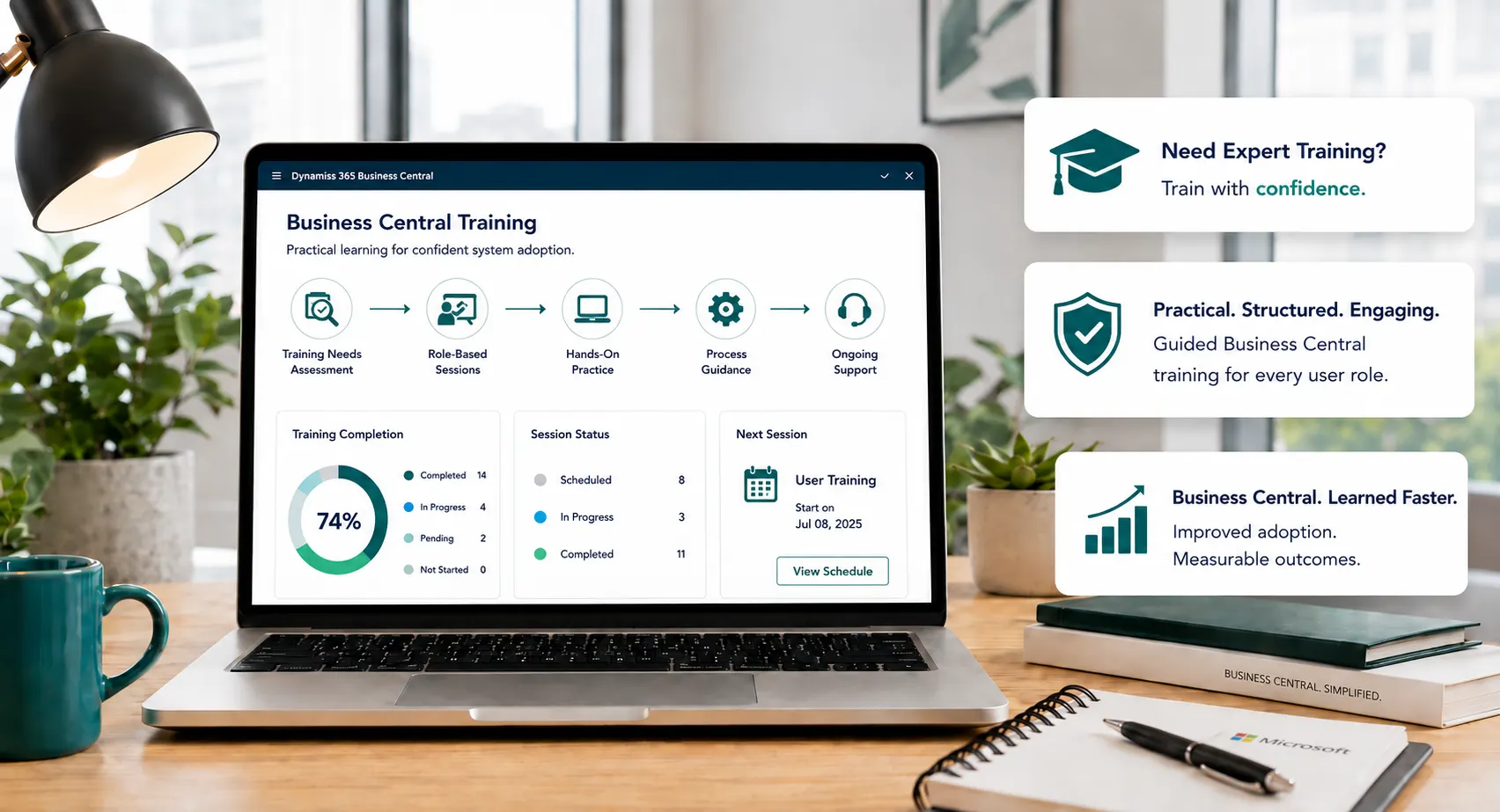
Leaforge structures training around user roles and end-to-end scenarios so finance, sales, purchasing, warehouse, project, service, manufacturing and management teams understand both the steps they perform and the data/control impact of those steps.
- Training needs assessment
- Role-based plan
- Live online instructor-led sessions
Common Business Central User-Adoption Challenges
Disconnected processes, manual workarounds and inconsistent data can make day-to-day control harder than it needs to be. These are common signs that the current process deserves a closer look.
New users depend on key people
Month-end/process errors repeat
Training material is generic
Different departments use different workarounds
New features are enabled without adoption planning
What Business Central Training Can Cover
Business Central can bring these activities into a more connected working environment. The exact configuration should reflect your processes, users, controls, reporting and integration needs.
Training needs assessment
Role-based plan
Live online instructor-led sessions
Customer/environment-specific scenarios
Hands-on practice
Key-user/super-user enablement
Administrator guidance
Refresher/new-user sessions
Process notes/reference guidance
Follow-up workshops
Training, Support or Process Redesign?
Training is appropriate when the configured process is correct but users need knowledge or practice. Use Support when there is an issue or configuration question. Use Customization/Implementation when the process or system design itself must change.
What Stronger User Adoption Can Look Like
The goal is clearer day-to-day control, more consistent information and better visibility of the transactions and exceptions that matter to your team.
Role clarity
Process understanding
Correct transaction sequence
Better escalation questions
Key-user capability
New-user onboarding path
Reference guidance
Training backlog
Training Scenarios
Where Training Can Help
New implementation go-live • Department workshop • New-user onboarding • Refresher training • Month-end/finance workshop • Warehouse/project/service/manufacturing role training • Reporting/Power BI enablement • Feature adoption.
When Support or Process Redesign May Be Better
Training is appropriate when the configured process is correct but users need knowledge or practice. Use Support when there is an issue or configuration question. Use Customization/Implementation when the process or system design itself must change.
Why Choose Leaforge for Business Central Training
Leaforge delivers role-based Business Central training around the processes, screens and responsibilities your users actually work with, helping teams understand not just which buttons to click but how their actions affect the wider process.
Frequently Asked Questions
Here are answers to common questions about Business Central training. The right approach can vary depending on your processes, data, licensing and integration requirements.
Is training online?
Yes. Leaforge can deliver live online Business Central training. The session format, duration and audience are confirmed as part of the training plan.
Can training use our configured processes?
Yes. Training can be built around your configured Business Central environment, user roles and real process scenarios so the content is relevant to daily work.
Do you train different departments separately?
Yes. Finance, sales, purchasing, warehouse, project, service, manufacturing and management users can be trained in separate role-based sessions where that gives better context and focus.
Can you train key users/admins?
Yes. Key-user and administrator sessions can cover process ownership, common user questions, configuration awareness, reporting and the responsibilities needed to support adoption internally.
Do you provide refresher sessions?
Yes. Refresher or follow-up sessions can be planned for new users, changed processes, recurring questions or features introduced after the initial training.
Can training include reports/Power BI?
Yes. Training can include Business Central reports, analysis mode, Excel and Power BI topics where those tools are part of the user’s role and the agreed scope.
Is training different from Support?
Yes. Training builds user knowledge and confidence in an agreed process. Support is used for issues, questions and operational assistance, while Customization or Implementation is more appropriate when the process or system design itself needs to change.
How is the training plan scoped?
We review the user groups, roles, processes, current knowledge, configured features and the outcomes you want from training. From that, we define the session topics, format and practical scenarios.
Build a Business Central Training Plan Around Your Users
Tell us which teams use Business Central, what they do, where errors or questions occur and what has changed in the system. We can help design the right role-based training plan.