

Functional Support
Configuration, posting, dimensions, approvals, workflows, master data and day-to-day process questions across agreed Business Central areas.
Get practical functional and technical help for your existing Business Central environment—from user questions and operational issues to reporting, integrations, release readiness and planned improvements.
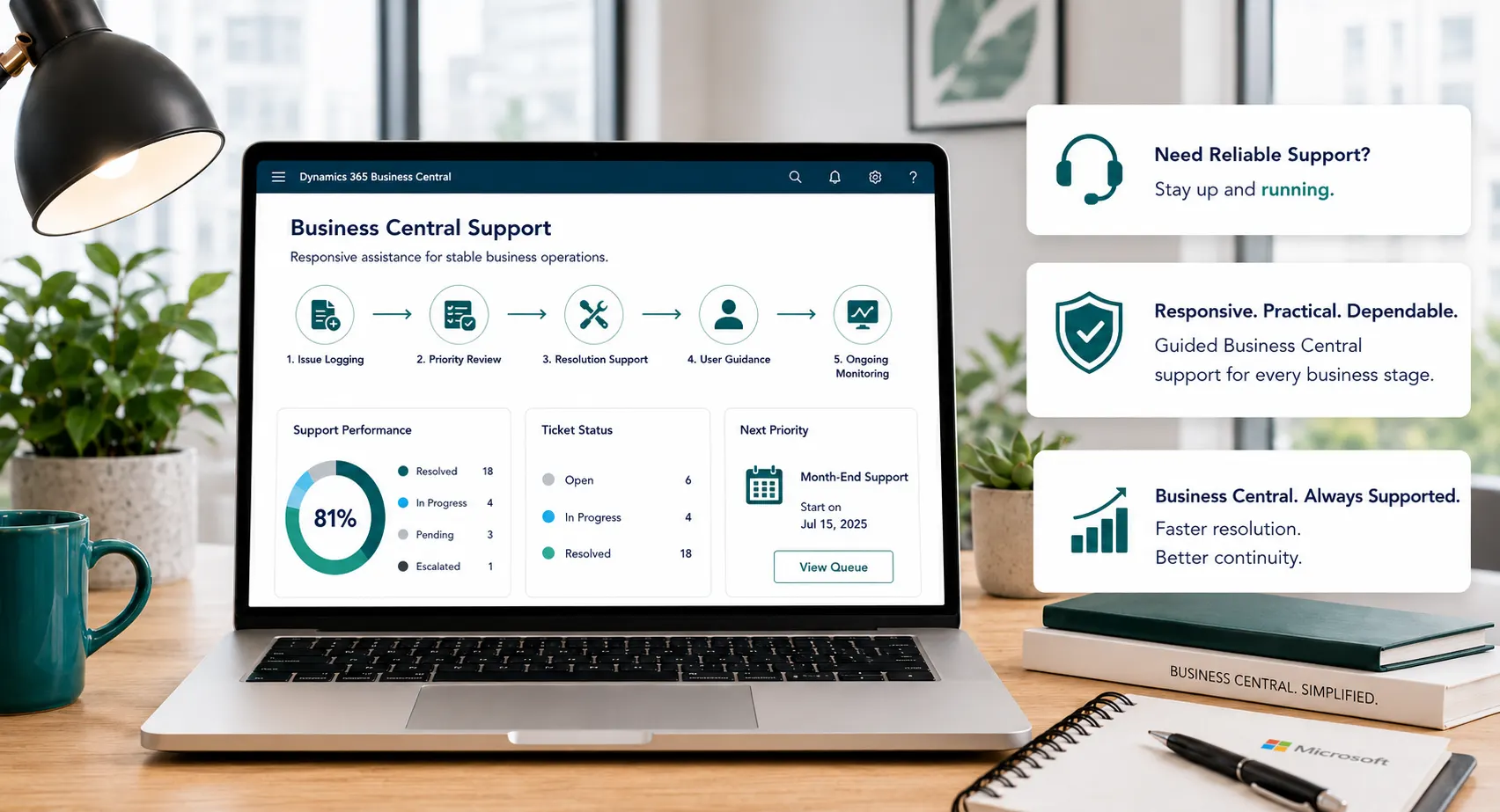
Whether Business Central was implemented by Leaforge or another partner, support should start with the environment you have today. Leaforge can help diagnose issues, guide users, review configuration, support reporting and integrations, and prioritize practical improvements around your current setup.
ONE BUSINESS CENTRAL SUPPORT TEAM
Bring functional questions, technical troubleshooting, reporting, integrations, access, updates and user guidance into one Business Central support relationship, with specialist project work scoped separately where needed.
Support needs change over time. Some requests are operational issues that need diagnosis; others are user questions, reporting gaps, release checks or improvement ideas. Leaforge helps you assess the request, choose the right next action and keep a visible improvement backlog.
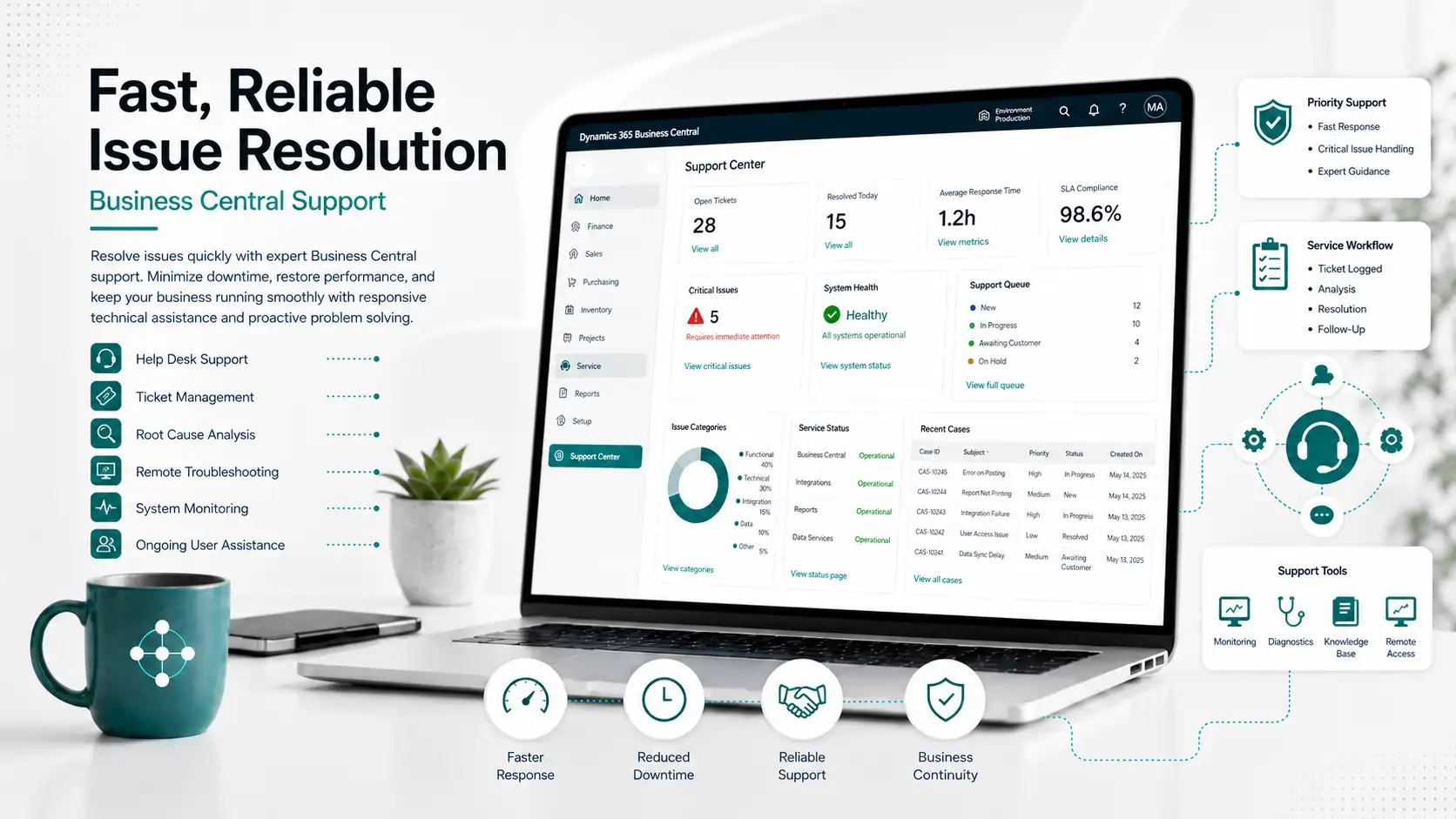
Investigate posting, configuration, permission, workflow, report, integration and user issues. Where possible, identify the root cause, validate the resolution and document useful guidance for future reference.
Combine business-process guidance with technical troubleshooting for configuration, AL extensions, APIs, integrations, jobs, permissions and reporting.
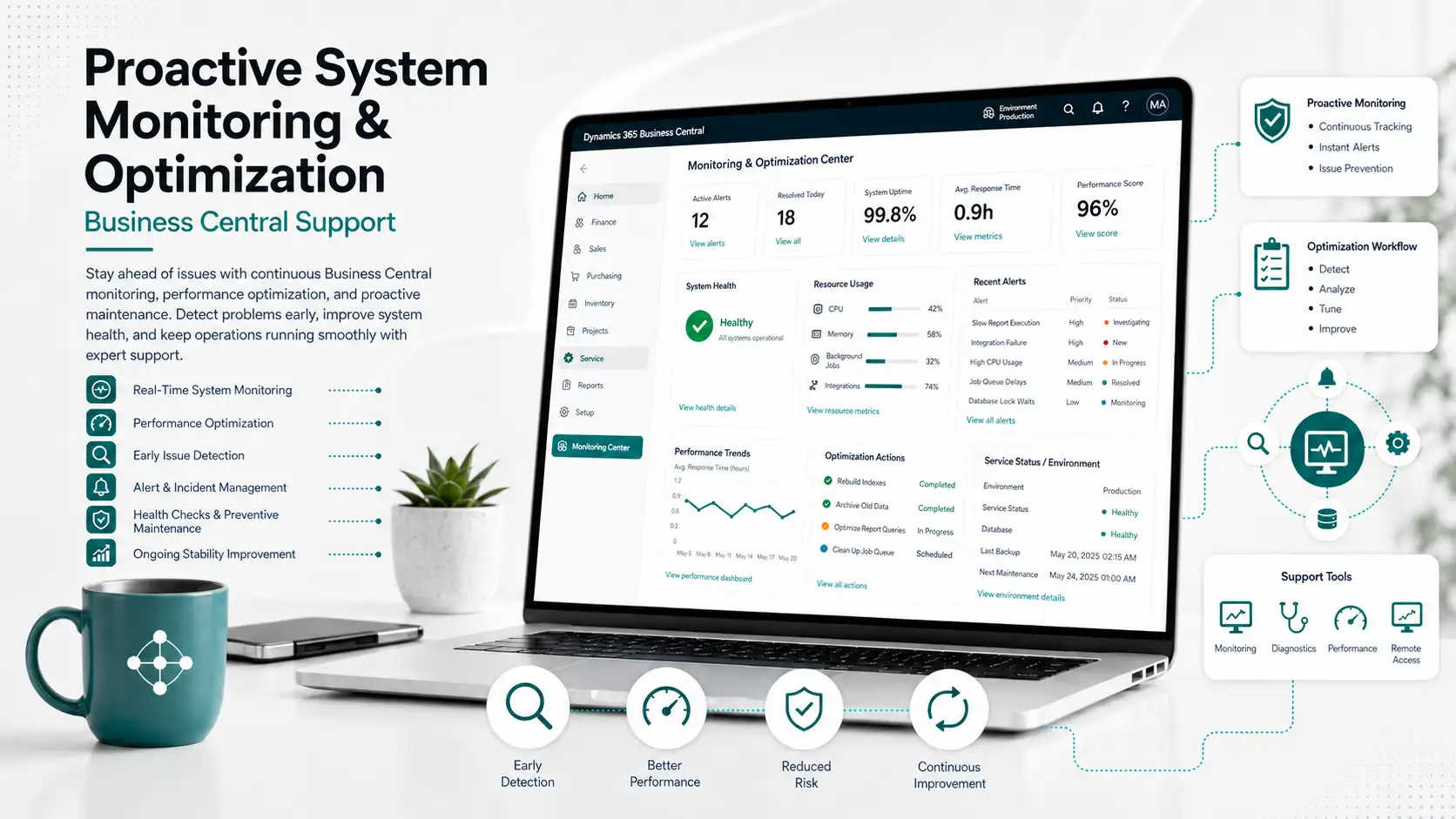
Review recurring issues, extensions, job queues, permissions, workflows and other agreed areas to identify maintenance or improvement actions.
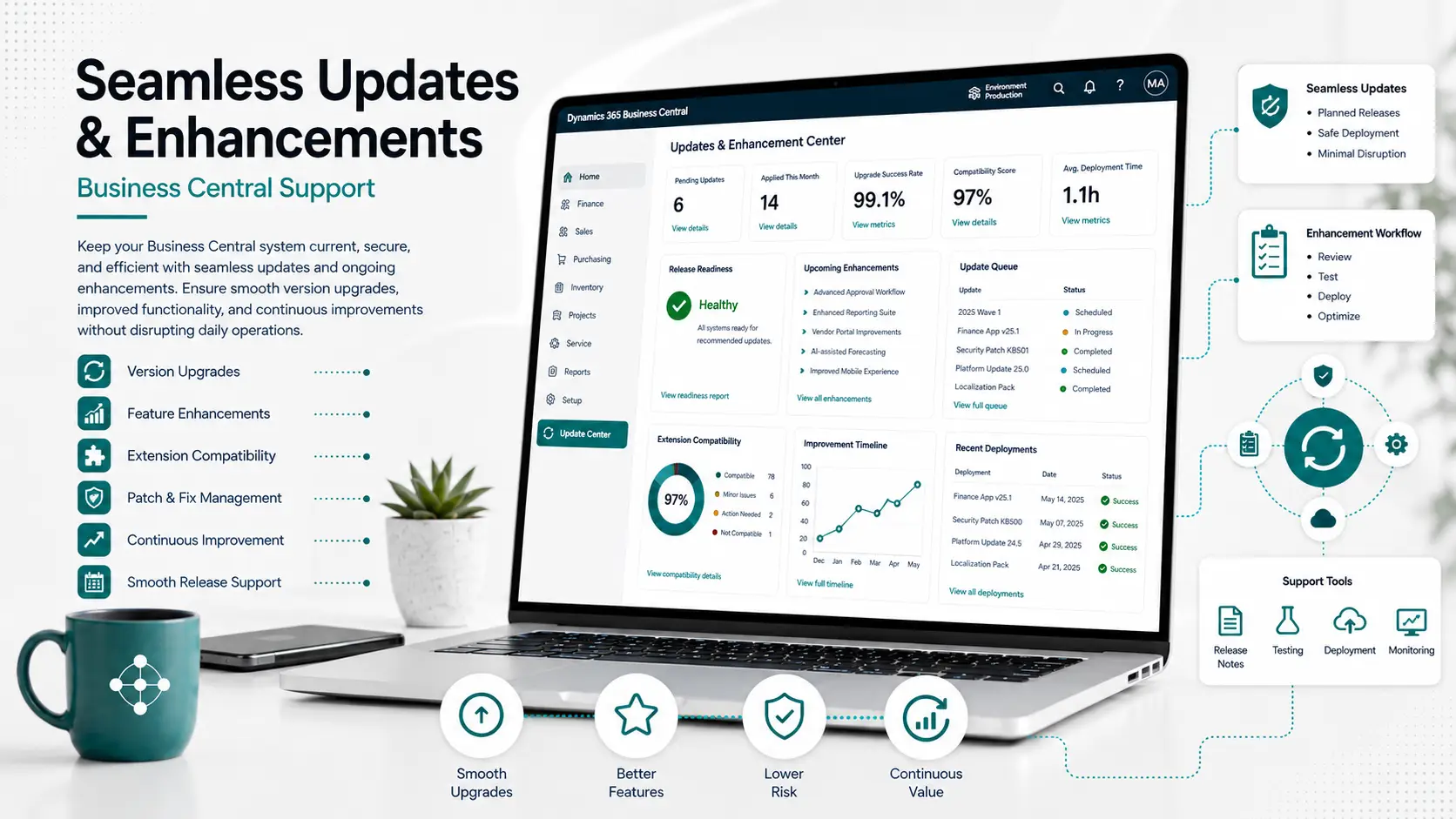
Review important processes, extensions and integrations around Business Central updates, then plan required testing, fixes or approved enhancements.
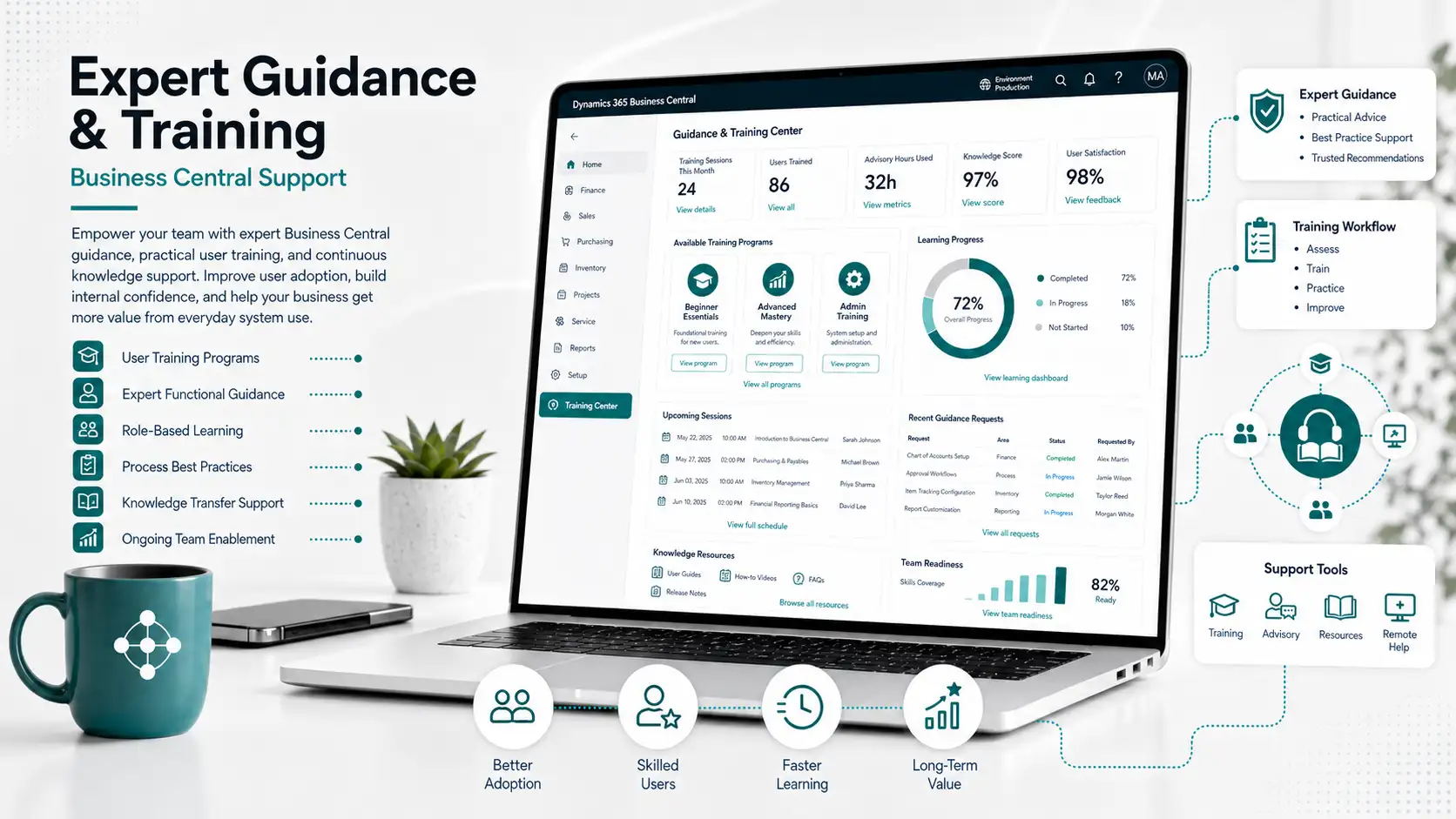
Provide role-based help, refresher training and practical documentation where users need more confidence with day-to-day Business Central processes.
The exact support scope depends on your environment, modules, extensions, integrations, users and agreed coverage. The areas below show common types of work that can be handled through a Business Central support engagement.
Configuration, posting, dimensions, approvals, workflows, master data and day-to-day process questions across agreed Business Central areas.
AL extensions, technical errors, job queues, APIs, integrations, environment issues, extension conflicts and technical investigation.
Account schedules, financial reports, analysis, Excel layouts, Power BI support, data guidance and agreed reporting improvements.
User setup, permissions, role-center guidance, onboarding and support when responsibilities change.
Release-impact review, sandbox validation, extension/integration checks, regression-test planning and controlled change support.
Review recurring pain points, configuration, controls and automation opportunities, then prioritize the right support, training or enhancement action.
Troubleshoot agreed interfaces, APIs, imports/exports and integration issues. Major new integrations or redesign should be separately scoped.
Role-based refreshers, onboarding guidance, process notes and troubleshooting documentation for agreed user groups.
Use the service model that matches the size and nature of the requirement so day-to-day support capacity does not become an unplanned development or implementation project.
Use Support for troubleshooting, user help, recurring maintenance, minor agreed changes and improvement planning around an existing environment.
Request Support →Use Customization for larger new extensions, reports, workflows or integrations that require separate design, development, testing and deployment.
Explore Customization →Use Implementation for a new ERP deployment, major process redesign, substantial migration, multiple-company rollout or phased Business Central program.
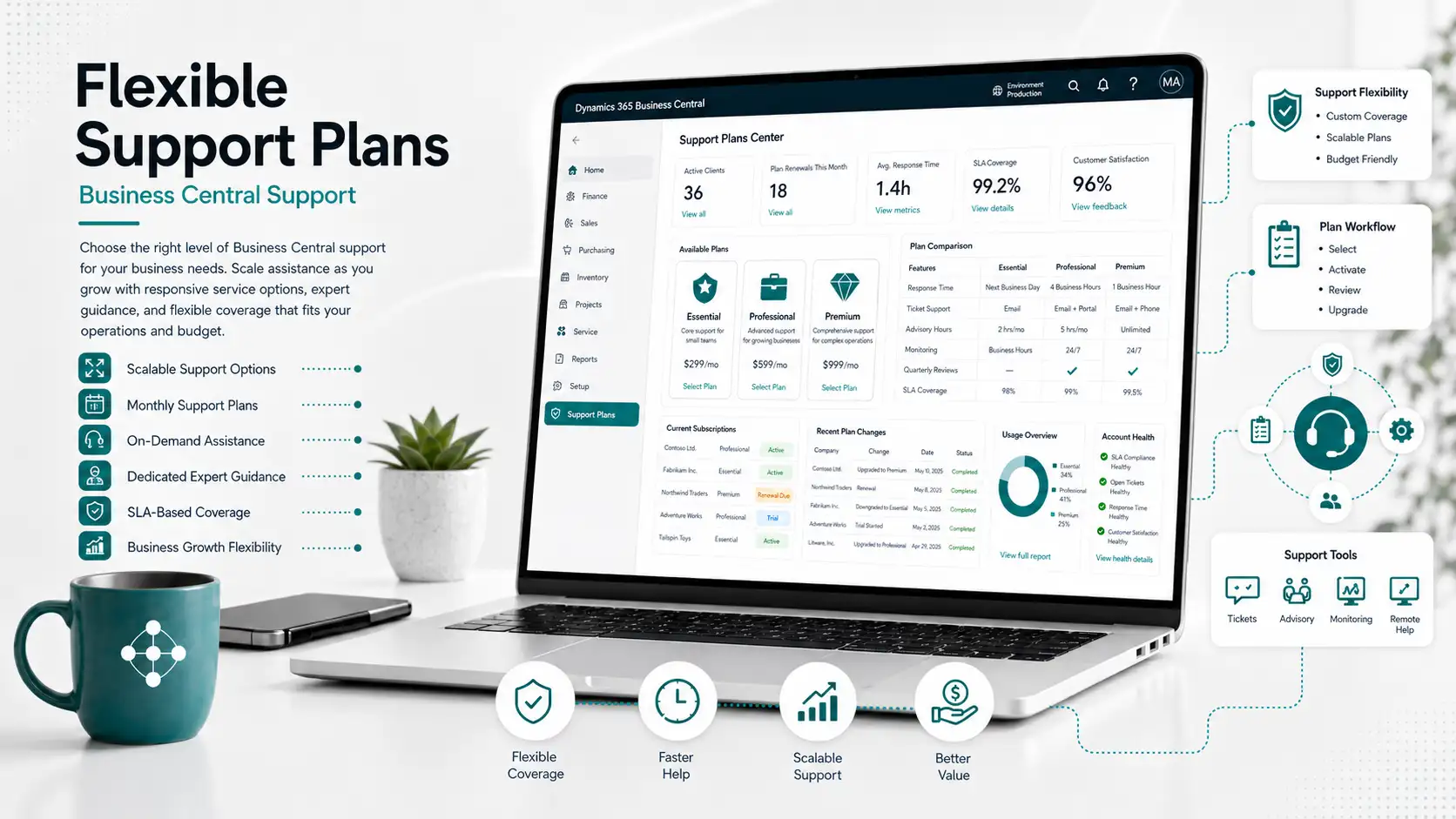
Explore Full Implementation →Support can be structured monthly, quarterly, half-yearly or yearly depending on how often you need assistance, the size and complexity of your environment, your internal Business Central capability and the level of planned review or improvement work required.
For teams that expect regular Business Central questions, issue resolution or small improvement requests throughout the month.
For relatively stable environments that need periodic expert review, backlog prioritization and release or process planning.
For businesses that need a deeper periodic review of configuration, permissions, user knowledge and accumulated improvement priorities.
For organizations that want an ongoing Business Central support relationship with regular service reviews, release planning and an improvement backlog across the year.
Where appropriate, Leaforge can also discuss ad-hoc assistance, prepaid support capacity, dedicated-resource arrangements or managed-service structures. Final scope, commercial terms and coverage are agreed after reviewing the environment and support requirements.
Before ongoing support begins, review the current Business Central setup, companies, modules, users, permissions, extensions, integrations, open issues, documentation and current improvement backlog. This helps define what Leaforge can support directly and what needs separate project work.
Understand companies, modules, environments, extensions, integrations and key operational dependencies.
Review recurring problems, unresolved requests, user pain points and planned improvements.
Confirm system access, relevant documentation, internal contacts, decision owners and third-party dependencies.
Define which requests are handled within support and which require separate customization, integration or implementation scope.
Use a consistent request process so the business impact, priority, ownership, resolution and follow-up action are clear to both the customer and Leaforge.
Share the issue, question or improvement with examples, affected users/processes, environment and business impact.
Review business impact, affected users, process, environment, available workaround and agreed support coverage before assigning priority.
Investigate the request, test the proposed resolution where appropriate and coordinate validation with the nominated user or process owner.
Record the outcome and useful guidance, then identify whether a recurring issue needs training, configuration, monitoring or separately scoped improvement work.
Requests can be prioritized using factors such as operational impact, affected users, available workaround and agreed support coverage. Specific response targets, coverage windows and escalation rules should be documented in the applicable support agreement.
Support history can show where users repeatedly need help, where configuration creates friction and where reporting or integrations need attention. Use those patterns to prioritize training, configuration, customization or process improvements in a controlled backlog.

Business Central support works best when the support team understands both the existing configuration and the business process behind each request. Leaforge combines functional and technical support with a structured route for onboarding, prioritization, resolution and improvement planning.
Start with the system you have today—its configuration, extensions, integrations, users and recurring issues—before defining the ongoing support model.
Bring process and configuration questions and technical troubleshooting into one Business Central support relationship.
Agree what is handled through support and when a request should become separate customization, integration or implementation work.
Assess each request using operational impact, affected users, available workarounds and agreed support coverage rather than treating every ticket the same.
Combine troubleshooting with role-based guidance, documentation and refresher training where recurring user questions show a knowledge gap.
Use recurring support history to identify practical reporting, configuration, training or enhancement priorities for the next improvement cycle.
Understand what support can cover, how requests are handled, how engagement models differ and when a requirement should move into customization or implementation.
Functional questions, configuration and posting issues, permissions, workflows, reporting, data guidance, integrations, extensions, job queues, user questions, update readiness and planned improvements can be supported where they fall within the agreed support scope.
Yes. The right model depends on how often you need help, the complexity of your environment, internal capability and the amount of planned review or improvement work. Final capacity, coverage and commercial terms are agreed during support onboarding.
Yes. A support engagement can combine process and configuration guidance with technical assistance for extensions, APIs, integrations, jobs, permissions and environment issues. The required resource mix is agreed during onboarding.
Yes. We can first review the current setup, extensions, integrations, open issues, access and available documentation, then define an appropriate support scope and any knowledge-transfer or remediation work needed before ongoing support begins.
Priority can be based on business impact, affected users, available workaround and the agreed support arrangement. Exact response targets or escalation rules should be defined in the applicable support agreement.
Minor agreed configuration, reporting or extension changes may be handled within the support arrangement where appropriate. Larger developments, integrations or process changes should be separately scoped so design, testing, deployment and commercial responsibilities remain clear.
Leaforge can discuss remote support for customers and partners in other regions. Working hours, communication channels, coverage requirements and commercial terms should be agreed before the support engagement begins.
Review your users, modules, extensions, integrations, request history, internal Business Central capability, operational calendar and improvement priorities. From that assessment, define the appropriate engagement term, request process, coverage and governance model.
If the requirement involves significant new development, a substantial new report or workflow, complex integration, major automation or a change that needs separate design and testing, it should normally be scoped as Customization rather than treated as routine support.
If the business is replacing its ERP, redesigning major processes, migrating substantial data, rolling out multiple companies or introducing a broad new Business Central solution, use the Full Implementation route rather than support capacity.
Tell us what is causing problems today, which users and processes are affected, what integrations or extensions are involved and what improvements are already on your backlog. We can help you define the right support starting point.