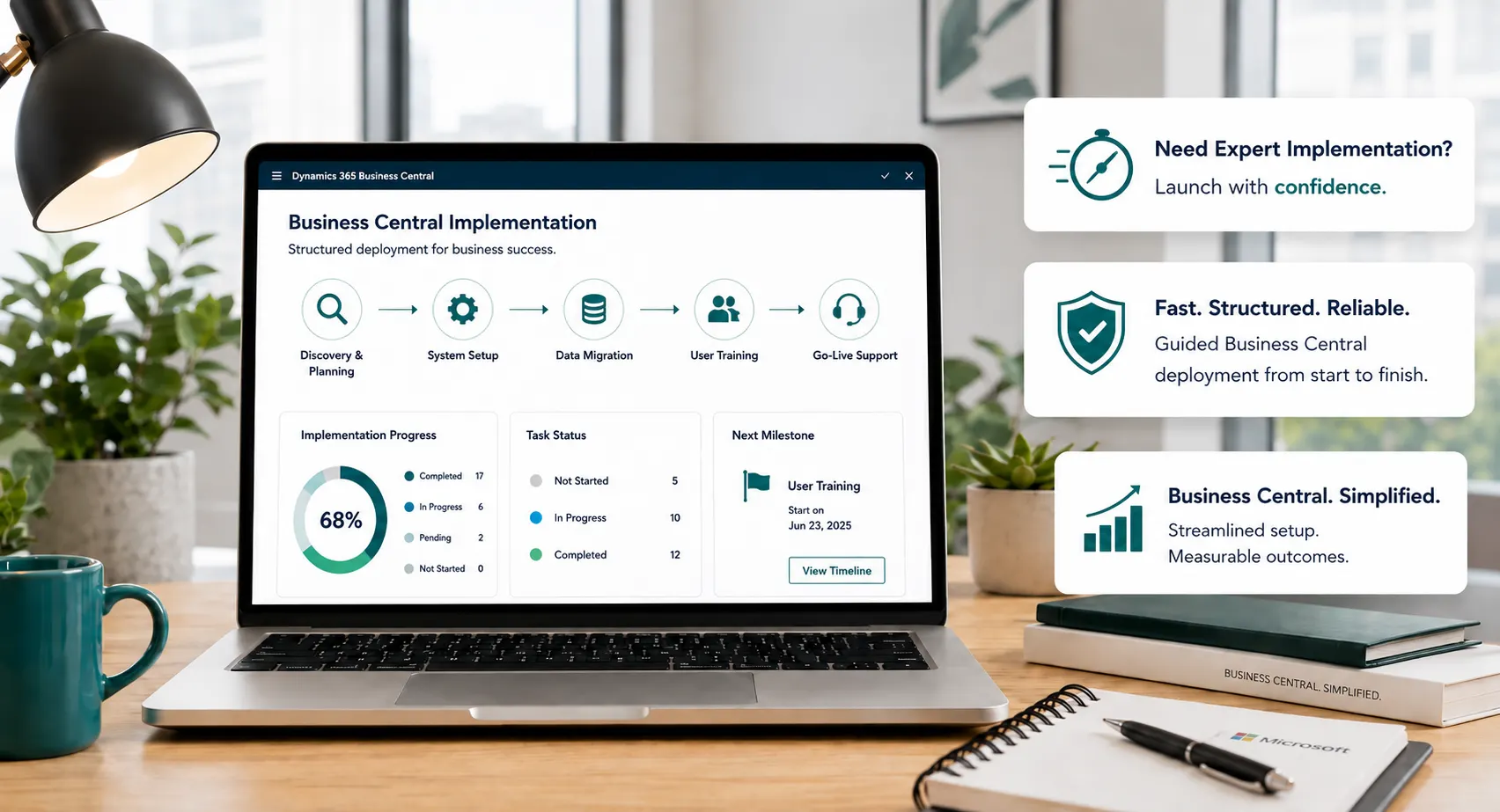
Business Central Implementation

Business Central Implementation Built Around Your Processes, Data and Users

Plan and deliver a complete Business Central implementation through structured discovery, solution design, configuration, data migration, integrations, testing, training, cutover and post-go-live improvement.

Business Central implementation planning and delivery workspace
Discovery-Led DeliveryStart with business processes, roles, data, reporting, controls and future-state requirements.
Built for Broader ScopeSupport customization, integrations, complex migration, phased rollout and long-term optimization.
End-to-End ERP Delivery

A Complete ERP Implementation, Not Just Software Setup

A full Business Central implementation starts with the way your business needs to operate—not with a list of screens to configure. Leaforge works through processes, people, data, controls, reporting and integration requirements before translating them into a practical solution and delivery plan.

This approach is designed for organizations with broader requirements such as process redesign, complex or historical data migration, multiple companies, integrations, custom extensions, manufacturing, advanced reporting or phased deployment.

  • Process-First Discovery: Understand how work moves across teams, where controls are needed and what the new ERP must support.
  • Broader Solution Scope: Combine configuration, approved extensions, integrations and reporting around requirements that go beyond a fixed rapid package.
  • Controlled Readiness & Go-Live: Plan data validation, testing, user readiness, cutover and stabilization as core implementation work—not last-minute activities.
Discover & DesignBuild & IntegrateValidate & PrepareGo Live & Improve

Discovery and Design

Define the Implementation Blueprint Before Configuration Begins

Before configuration begins, align the business and project team on current processes, target processes, scope, data, reporting, integrations, controls, users and delivery responsibilities.

Phase 01

Business Discovery & Process Assessment

  • Current systems, workflows and process pain points
  • Departmental processes, controls and approval responsibilities
  • Reporting, security, integration and data requirements
  • User roles, data quality and future operating requirements
Phase 02

Solution Design & Delivery Roadmap

  • Target Business Central design and configuration approach
  • Required extensions, integrations and reporting
  • Migration, testing, training and cutover strategy
  • Project phases, decision points, responsibilities and governance
Implementation Methodology

A Controlled Business Central Implementation from Discovery to Improvement

Four delivery stages make the project easier to understand while the detailed activities below show the work required to move from approved scope to a controlled go-live.

Stage 01

Discover & Design

Confirm requirements, scope, processes, data, integrations, reporting and solution decisions before build begins.

Stage 02

Build & Integrate

Configure Business Central, develop approved extensions, build integrations and prepare migration.

Stage 03

Validate & Prepare

Validate data and end-to-end processes, complete user acceptance and prepare teams for cutover.

Stage 04

Go Live & Improve

Execute cutover, stabilize the solution and prioritize practical improvements after go-live.

01

Discovery

Confirm processes, pain points, users, data, controls, reporting needs, integrations, goals and project constraints.

02

Solution Design

Translate approved requirements into process design, configuration, security, reporting, integrations and extension decisions.

03

Configuration

Configure companies, finance, sales, purchasing, inventory, dimensions, workflows, permissions and other approved standard capabilities.

04

Customization

Develop only approved AL extensions, reports, pages or workflow changes that cannot be met appropriately through standard configuration.

05

Integration

Design and validate integrations based on process ownership, APIs, data flow, security, error handling and support responsibility.

06

Data Migration

Agree migration scope, cleanse and map source data, load it into Business Central, validate results and reconcile balances and open transactions before cutover.

07

Testing & User Acceptance

Test end-to-end processes, permissions, reports, integrations and migrated data, then complete user acceptance against agreed business scenarios.

08

Training & User Readiness

Train key users and teams around their actual roles, transactions and process responsibilities, supported by agreed documentation or guidance.

09

Cutover & Go-Live

Confirm readiness, migrate final data where required, complete cutover activities, validate critical processes and move into controlled production use.

10

Stabilization & Continuous Improvement

Resolve post-go-live issues, support users and prioritize reporting, workflow, integration or process improvements after the system has stabilized.

Implementation Scope

Implement the Capabilities Required by Your Scope

Your implementation can include the Business Central capabilities needed for the agreed solution. The exact combination depends on your processes, license, implementation phase and integration requirements. Use the dedicated Capabilities page for detailed product information.

Business Central customization and integration planning
Tailored Solution

Customization When Standard Business Central Is Not Enough

Where an approved requirement cannot be met appropriately through standard Business Central configuration, Leaforge can design upgrade-aware AL extensions, reports, workflows or related changes with maintainability considered from the start.

AL extensionsCustom reportsApproval workflowsRole-specific pagesIndustry requirementsUpgrade-aware design
Explore Customization Services
Business Central integrations and connected systems
Connected Technology

Integrate Business Central with the Systems Your Processes Depend On

Integrations should be designed around business ownership and data flow—not just technical connectivity. Leaforge can help define what data moves between Business Central and Microsoft or third-party systems, when it moves, who owns exceptions and how the integration will be supported.

Microsoft 365Power BIPower AutomateDataverseCRM platformsEcommerceBankingPayrollWarehouse systems
Discuss Integration Requirements
Delivery Assurance

Prepare the Business, Not Just the Software, for Go-Live

Migration, testing and training are separate workstreams that come together at cutover. Each needs agreed scope, ownership, acceptance criteria and enough time for the business to validate readiness.

01

Data Migration

Agree migration scope, cleanse and map source data, load it into Business Central, validate results and reconcile balances and open transactions before cutover.

02

Testing & User Acceptance

Test end-to-end processes, permissions, reports, integrations and migrated data, then complete user acceptance against agreed business scenarios.

03

Training & User Readiness

Train key users and teams around their actual roles, transactions and process responsibilities, supported by agreed documentation or guidance.

Best-Fit Projects

Who Is Full Business Central Implementation Best For?

Full Implementation is designed for projects where discovery, solution design and coordinated workstreams materially shape the final solution.

Complex or Cross-Functional Processes

Processes span departments, include exceptions or require broader redesign and control decisions.

Multiple Companies or Phased Rollout

Different companies, operating models, consolidation needs or staged deployment must be designed together.

Manufacturing & Distribution

Production, planning, inventory, warehouse and supply-chain requirements need coordinated solution design.

Significant Integrations

Business-critical Microsoft or third-party systems need reliable data flow and clear ownership.

Legacy ERP or Substantial Data Migration

Historical data, multiple sources, reconciliation or modernization of legacy processes increases migration complexity.

Broader ERP Roadmap

Process redesign, additional capabilities or phased improvement require a longer-term implementation plan.

A Full Project Is Not Always Necessary

When Rapid5 or Rapid8 May Be a Better Fit

If your requirements are clearly defined, data is ready, decision-makers are available and your business can work within a standard-first fixed scope, a Rapid5 or Rapid8 package may be the more appropriate route.

Check Rapid Package Fit
Scope-Based Planning

Implementation Timeline and Investment Are Confirmed After Scope Discovery

Timing and investment depend on the confirmed scope: companies, processes, users, data migration, integrations, reporting, extensions, testing, training, governance, cutover approach and organizational readiness.

Focused Scope

Controlled Standard-Led Delivery

Fewer companies, standard processes, controlled data migration and limited integrations.

Broader Scope

More Workstreams & Coordination

More processes and users, structured migration, reporting and selected extensions or integrations.

Complex or Phased Scope

Multiple Dependencies & Stages

Multiple companies, manufacturing, major integrations, significant migration, process redesign or staged rollout.

Discovery and scope definition are used to build the implementation plan and commercial estimate. The project timeline is therefore based on confirmed requirements rather than a universal week range.

Need a Smaller, Clearly Scoped Implementation?

Compare Rapid5 and Rapid8

If your requirements are standard-first and can fit within a defined package, compare Rapid5 and Rapid8 before committing to a full implementation project.

Compare Rapid5 & Rapid8
Connected Cloud ERP

Why Business Central for This Implementation?

Business Central can connect finance and operations on a Microsoft cloud platform, but the value depends on selecting the right capabilities and implementing them around your processes, data, controls and users.

Why Leaforge

Why Choose Leaforge for a Full Business Central Implementation

Our implementation approach focuses on the project decisions and controls that matter most when processes, data, integrations and users must come together in one ERP.

Process-First Discovery

We start with how the business needs to operate before deciding how Business Central should be configured.

Functional + Technical Delivery

Process design, configuration, extensions, integrations, data and reporting are handled as connected project workstreams.

Clear Scope & Governance

Scope, assumptions, responsibilities, decision points and delivery stages are defined so expectations are clear.

Data, Testing & Cutover Control

Migration, reconciliation, UAT, readiness and cutover are treated as core implementation work.

User Readiness

Training is aligned to real roles, transactions and business scenarios before users move into production.

Post-Go-Live Improvement

After stabilization, reporting, workflows, integrations, extensions and process improvements can be prioritized deliberately.

Implementation FAQs

Plan Your Business Central Implementation with Clear Expectations

Discovery is used to define the solution scope, project approach, responsibilities, planning assumptions and commercial estimate before the delivery plan is finalized.

How long does a Business Central implementation take?

There is no single implementation timeline that fits every project. Timing depends on scope, companies, processes, users, data migration, integrations, extensions, testing, training and business readiness. Leaforge confirms an implementation plan after discovery and scope definition.

How is Business Central implementation cost calculated?

Commercial estimates are based on the agreed scope and delivery approach, including consulting, configuration, development, integrations, migration, reporting, testing, training, go-live and any confirmed post-launch work.

Should Business Central be customized?

Only where there is a clear business requirement that cannot be met appropriately through standard configuration or an existing supported solution. Leaforge evaluates configuration, Power Platform, integrations, reporting and upgrade-aware AL extensions before recommending custom development.

Can Business Central integrate with our existing systems?

Often, yes. The right design depends on the external system, available APIs or integration options, data ownership, security, transaction volume, error handling and the business process the integration needs to support.

Can a Business Central implementation be delivered in phases?

Yes. A phased roadmap can prioritize the most important companies and processes first, then add further capabilities, integrations, reporting, automation or additional companies when the business is ready.

What happens after Business Central goes live?

The first priority is stabilization: resolve issues, support users and confirm critical processes are working as expected. After that, improvements can be prioritized across reporting, workflows, integrations, extensions, training and process optimization.

Plan the Right ERP Project

Plan a Business Central Implementation with the Right Scope from the Start

Tell us what you are replacing, which processes need to be included, what data and integrations are involved and what success needs to look like. We can help you define the right implementation approach and next discovery step.

Plan Your Business Central Implementation