

BUSINESS CENTRAL CUSTOMIZATION
Business Central Customization
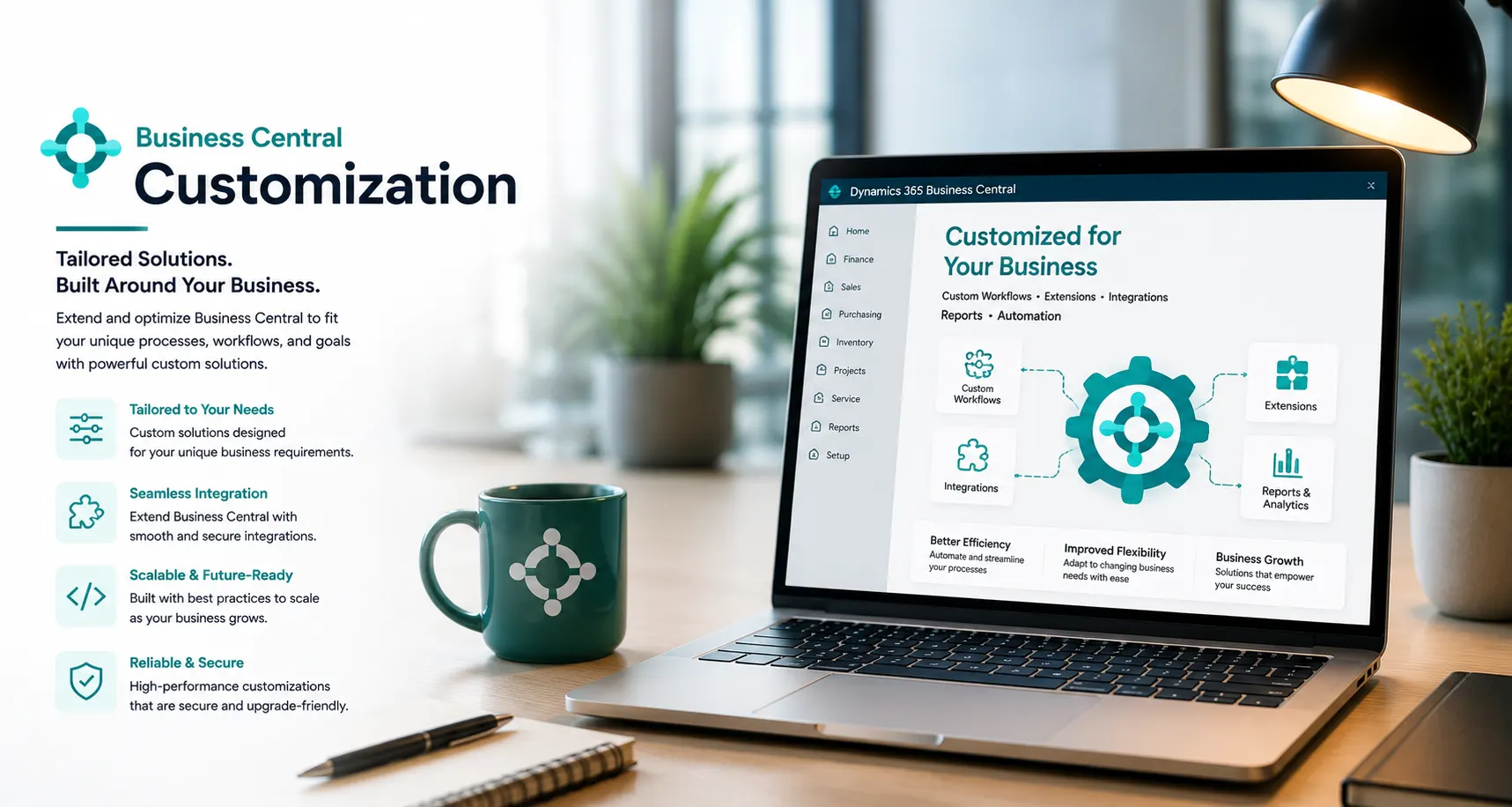
Extend Business Central only where standard configuration is not enough—using controlled AL development, reports, workflows, APIs and integrations designed for maintainability and upgradeability.
PROCESS & FIT
Customize for a Clear Business Reason
Start by confirming whether the requirement can be solved through configuration, permissions, workflow, reporting or an existing app. Use custom AL or integration work when there is a defined process, control or user-experience gap.
- AL extensions
- Custom reports/layouts
- APIs/web services
When Standard Business Central Is Not Enough
Disconnected processes, manual workarounds and inconsistent data can make day-to-day control harder than it needs to be. These are common signs that the current process deserves a closer look.
Users rely on manual workarounds
Reports and layouts do not support decisions
External systems need controlled data exchange
Legacy customizations block upgrades
Old extensions lack ownership/testing/documentation
What Leaforge Can Customize and Extend
Business Central can bring these activities into a more connected working environment. The exact configuration should reflect your processes, users, controls, reporting and integration needs.
AL extensions
Custom reports/layouts
APIs/web services
Power Automate/Power Platform integration where appropriate
Third-party integration
Data utilities
Upgrade/remediation work
Performance/technical review
Configuration, AppSource, Custom AL or Integration?
Use configuration first where it meets the requirement. Consider approved AppSource apps before building commodity functionality. Use custom AL when the requirement is specific and maintainable. Treat major integrations and large process redesign as separately scoped projects with architecture, security and testing.
What a Well-Designed Customization Should Deliver
The goal is clearer day-to-day control, more consistent information and better visibility of the transactions and exceptions that matter to your team.
Requirement-to-solution traceability
Defined scope
Extension ownership
Test cases
Deployment approach
Upgrade impact review
Support handover
Documentation
Typical Customization Engagements
Where Customization Makes Sense
New extension • Existing customization remediation • Report/workflow changes • API/integration work • Upgrade compatibility fixes • Performance/technical review • Small enhancement package • Larger custom development project.
When Another Approach May Be Better
Use configuration first where it meets the requirement. Consider approved AppSource apps before building commodity functionality. Use custom AL when the requirement is specific and maintainable. Treat major integrations and large process redesign as separately scoped projects with architecture, security and testing.
Why Choose Leaforge for Business Central Customization
Leaforge starts with the business requirement and uses configuration, existing apps, custom AL or integration only where each option makes sense. The goal is a solution that solves the process gap without creating unnecessary upgrade or support complexity.
Frequently Asked Questions
Here are answers to common questions about Business Central customization. The right approach can vary depending on your processes, data, licensing and integration requirements.
When should we customize Business Central?
Customize when a validated business requirement cannot be handled effectively through standard configuration, permissions, workflow, reporting or a suitable existing app. The added complexity should have a clear business reason.
Can standard configuration solve the requirement?
Often it can. Leaforge checks standard configuration and existing Business Central capabilities first so custom development is used only when there is a genuine process or integration gap.
Do you build AL extensions?
Yes. Leaforge can build Business Central AL extensions for approved requirements such as new fields, pages, validations, reports, workflows, APIs and process logic.
Can you modify existing extensions?
Yes, subject to access to the source code, ownership rights, compatibility and the current Business Central version. We first review how the existing extension works and the impact of the requested change.
Can Business Central integrate with external systems?
Yes. Integration can use supported APIs, connectors, middleware or custom interfaces depending on the external system and the data or transactions that need to move between systems.
How do you protect upgradeability?
We prefer extension-based development, supported integration methods and a standard-first design. Changes are reviewed for dependencies and tested against Business Central updates so avoidable upgrade problems are reduced.
How are changes tested/deployed?
Changes are prepared in a controlled environment, tested against agreed business scenarios and moved to production only after the required validation and acceptance steps are complete.
Is customization included in Support?
Support can include diagnosis and minor agreed changes, but substantial new development or a larger enhancement normally needs a separate customization scope so requirements, effort and testing are clear.
How is development estimated?
We estimate after understanding the requirement, affected users, data, integrations, technical dependencies, test scenarios and acceptance criteria. Larger or uncertain requirements may start with a discovery or technical assessment.
Build the Business Central Extension You Actually Need
Share the process gap, current workaround, users affected, data involved and expected outcome. We can help determine whether the right answer is configuration, an existing app, custom AL or integration.