

Financial Control
Connect accounting, receivables, payables, cash, budgets and financial reporting.
Connect finance, sales, purchasing, inventory, manufacturing, projects, service, reporting and Microsoft tools in one Business Central platform—configured around the processes your business actually needs.
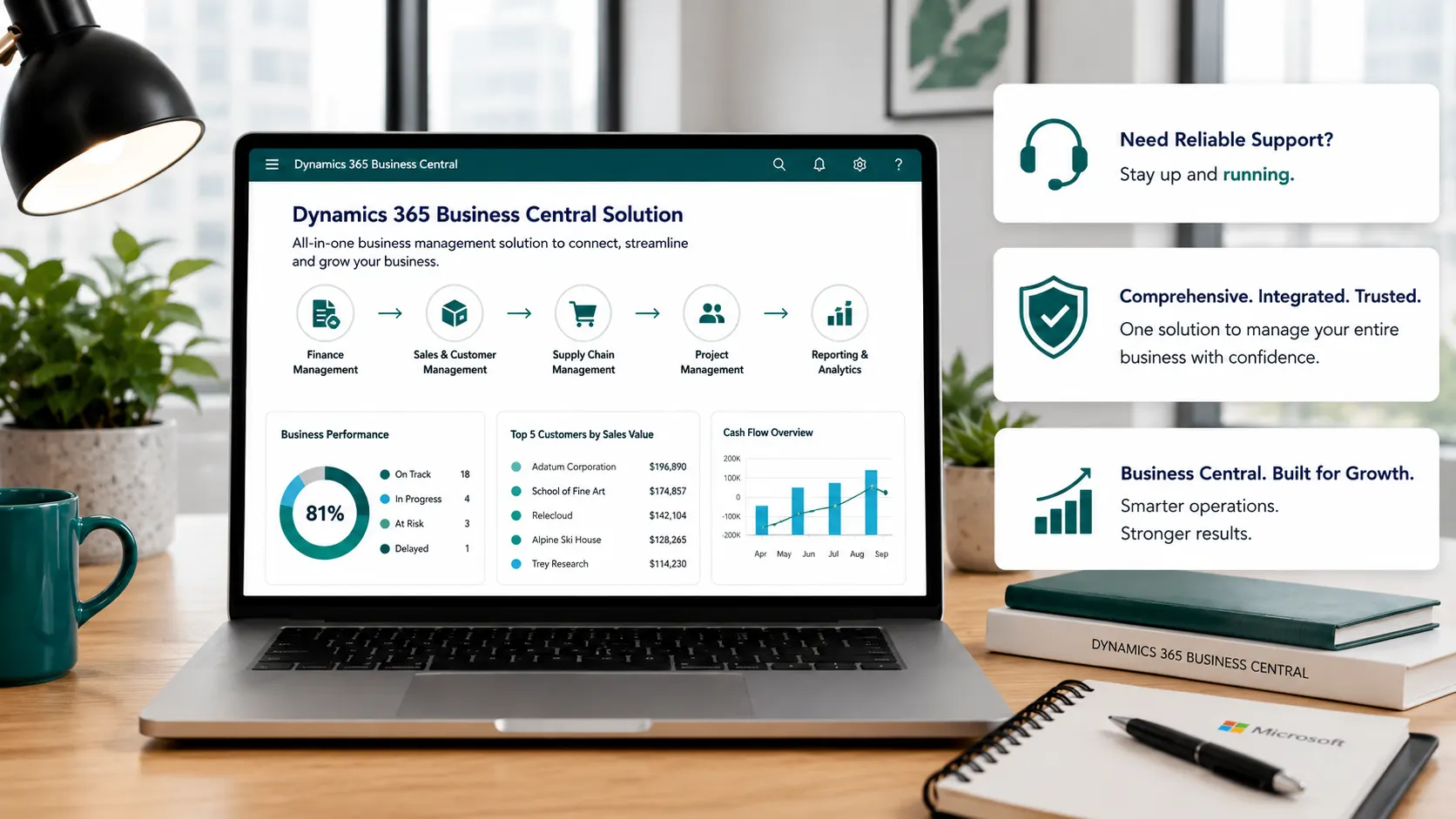
Microsoft Dynamics 365 Business Central helps growing businesses manage finance and day-to-day operations from a connected ERP. Leaforge helps you select the capabilities that match your processes, configure the standard system correctly, and plan extensions or integrations only where they are genuinely needed.
Explore the main Business Central capability areas below. Each page explains the business processes supported, where the standard product fits, and when additional configuration, extensions or integrations may be appropriate.
You do not need to implement every capability on day one. Leaforge helps you prioritize the processes that matter now and create a practical path for future requirements. Manufacturing and Service Management are Premium capabilities; some Microsoft 365, Power Platform, Power BI and AI scenarios can have separate licensing, availability or configuration requirements.
A well-designed Business Central environment connects transactions, master data and financial impact across departments so teams can work from the same business system.
Connect accounting, receivables, payables, cash, budgets and financial reporting.
Connect customer pricing, orders, shipments, invoices and returns.
Connect purchasing, approvals, receipts, vendor invoices and payables.
Control availability, locations, replenishment, transfers and warehouse activity.
Track manufacturing or project activity against materials, resources, cost and finance.
Manage service items, contracts, parts, resources and service billing where Premium fits.
Use Business Central reporting, Excel and Power BI to review finance and operations.
Extend approved processes through Microsoft 365 and Power Platform where appropriate.
Use standard Business Central capabilities and configuration wherever they support the required process. This keeps the solution easier to understand, test, support and upgrade.
When a process cannot be supported appropriately with standard functionality, Leaforge can assess AppSource solutions, custom AL extensions, APIs or integrations with other business systems.
Leaforge combines Business Central functional and technical expertise to help you choose, configure, test and improve the capabilities that support your operations.
Answers to common questions businesses ask when deciding which Business Central capabilities to implement.
Business Central can support core processes across finance, sales, purchasing, inventory and warehouse management, projects, reporting and other operational areas. Manufacturing and Service Management are available in the Premium experience. The exact fit depends on your process complexity, data, integrations and reporting requirements.
No. Many businesses start with the processes that matter most for the initial go-live and add capabilities in later phases. Leaforge can help define a practical scope that balances immediate needs with a clear path for future expansion.
Microsoft positions Manufacturing and Service Management in the Business Central Premium experience. If either area is required, the license and company experience should be confirmed during solution planning.
Yes. Start with standard configuration first. Where a genuine process gap remains, Business Central can be extended with AppSource solutions, custom AL extensions, reports, workflows, APIs and integrations. The goal should be to add only the customization that has a clear business reason.
Yes, Business Central supports integration scenarios with Microsoft tools such as Outlook, Excel, Teams, Power Automate, Power Apps, Dataverse and Power BI. The right design depends on the task, data ownership, permissions and applicable licensing.
Start with your end-to-end business processes: how you sell, purchase, manage inventory, manufacture or deliver projects/services, report financially and collaborate across teams. Leaforge can map those requirements to standard Business Central, identify gaps and recommend the right implementation route.
Microsoft continues to add Copilot and agent capabilities to Business Central. Availability can vary by feature, release, environment, geography and licensing, so the specific AI scenarios should be checked against current Microsoft documentation before they are included in your solution scope.
Tell us which processes you want to improve, what systems you use today and where the main operational gaps are. Leaforge can help you assess Business Central fit and build the right capability roadmap.