

Connected Finance & Operations
Bring core financial and operational data into one system so teams can work from a shared source of business information.
Whether you are evaluating Business Central, planning a new implementation or improving an existing environment, Leaforge brings functional and technical expertise across implementation, customization, support, training, reporting and integrations.

Leaforge helps growing businesses turn Business Central into a system people can use every day—not just software that has been installed. We start with your processes, use standard functionality where practical, and recommend configuration, extensions or integrations only where they add clear business value.
Learn More About LeaforgeMICROSOFT DYNAMICS 365 BUSINESS CENTRAL
Business Central brings accounting, sales, purchasing, inventory, warehousing, projects, service, manufacturing and reporting into a connected ERP environment. Teams work from the same data, processes can be controlled more consistently, and management gains clearer visibility across operations.
Leaforge helps determine which capabilities fit your processes, how the solution should be configured, what data should be migrated, and where extensions or integrations are genuinely needed.
Bring core financial and operational data into one system so teams can work from a shared source of business information.
Use approvals, workflows and integrations to reduce repetitive handoffs while maintaining the controls your business requires.
Use dimensions, financial reports, operational views and analytics to understand performance and investigate exceptions faster.
Industry requirements differ. Leaforge combines Business Central capabilities with process discovery to design practical ERP solutions for manufacturers, distributors, retailers, professional services, project-based businesses and other growing organizations.

Manufacturing
Manufacturing

Retail & E-commerce
Retail & E-commerce

Wholesale & Distribution
Wholesale & Distribution

Professional Services
Professional Services

Construction & Projects
Construction & Projects

Food & Beverage
Food & Beverage

Healthcare & Medical Supplies
Healthcare & Medical Supplies

Textile & Apparel
Textile & Apparel

Non-Profit & NGO
Non-Profit & NGO

Get AI-powered enterprise resource planning (ERP) for small and midsize businesses—trusted by 50,000 companies.
Read MoreBusiness Central is designed for growing organizations that need more control than disconnected spreadsheets, basic accounting tools or separate operational systems can provide. It connects financial management with day-to-day business processes and can be extended through Microsoft 365, Power Platform, reporting tools, APIs and approved extensions where appropriate.
Configure the capabilities your teams need across finance, sales, purchasing, inventory, warehouse, manufacturing, projects, service, reporting and Microsoft integration—then expand as requirements evolve.
Manage general ledger, receivables, payables, cash flow, budgets, fixed assets, dimensions and financial reporting with connected financial controls.
Manage customers, quotes, orders, pricing, availability, invoicing and returns through a connected quote-to-cash process.
Control vendors, purchase orders, approvals, receipts, invoice matching, landed costs and payments through a connected procure-to-pay process.
Track stock, item movements, locations, picking, packing, shipping and replenishment with connected inventory and warehouse visibility.
Plan bills of material, routings, production orders, materials, capacity and manufacturing costs with connected production data.
Plan projects, resources, budgets, time, costs, billing and profitability from one connected project environment.
Manage service items, requests, contracts, scheduling, parts and service billing with connected customer and financial data.
Use role centres, dimensions, financial reports, analysis tools, Excel and Power BI to turn Business Central data into useful management insight.
Use Microsoft Copilot and AI capabilities to assist users with information, analysis and selected business tasks as features and licensing allow.
Connect Business Central with Outlook, Excel, Teams, Power Automate, Power Apps and APIs to extend productivity and business workflows.
Get the expertise you need to implement, extend, support and adopt Business Central with a delivery approach matched to your current ERP situation.
Plan, configure, migrate, test, train and go live through a controlled implementation approach built around your business requirements.
Plan Your ImplementationExtend Business Central with upgrade-aware AL extensions, integrations, workflows, reports and tailored functionality where standard configuration is not enough.
Discuss Your Customization RequirementResolve issues, improve system usage and keep Business Central ready for day-to-day operations, releases and continuous improvement.
Request a Support ConsultationBuild user confidence through role-based training based on the processes and transactions your teams actually perform.
Build Your Training PlanTell us what you are trying to improve. We can help you evaluate Business Central fit, implementation approach, support needs, customization, training or pricing.
Use a clearly scoped Rapid5 or Rapid8 package when your requirements and readiness fit a standard-first delivery model. Choose a full implementation when you need broader process design, complex migration, integrations, custom extensions, multiple entities or phased deployment.
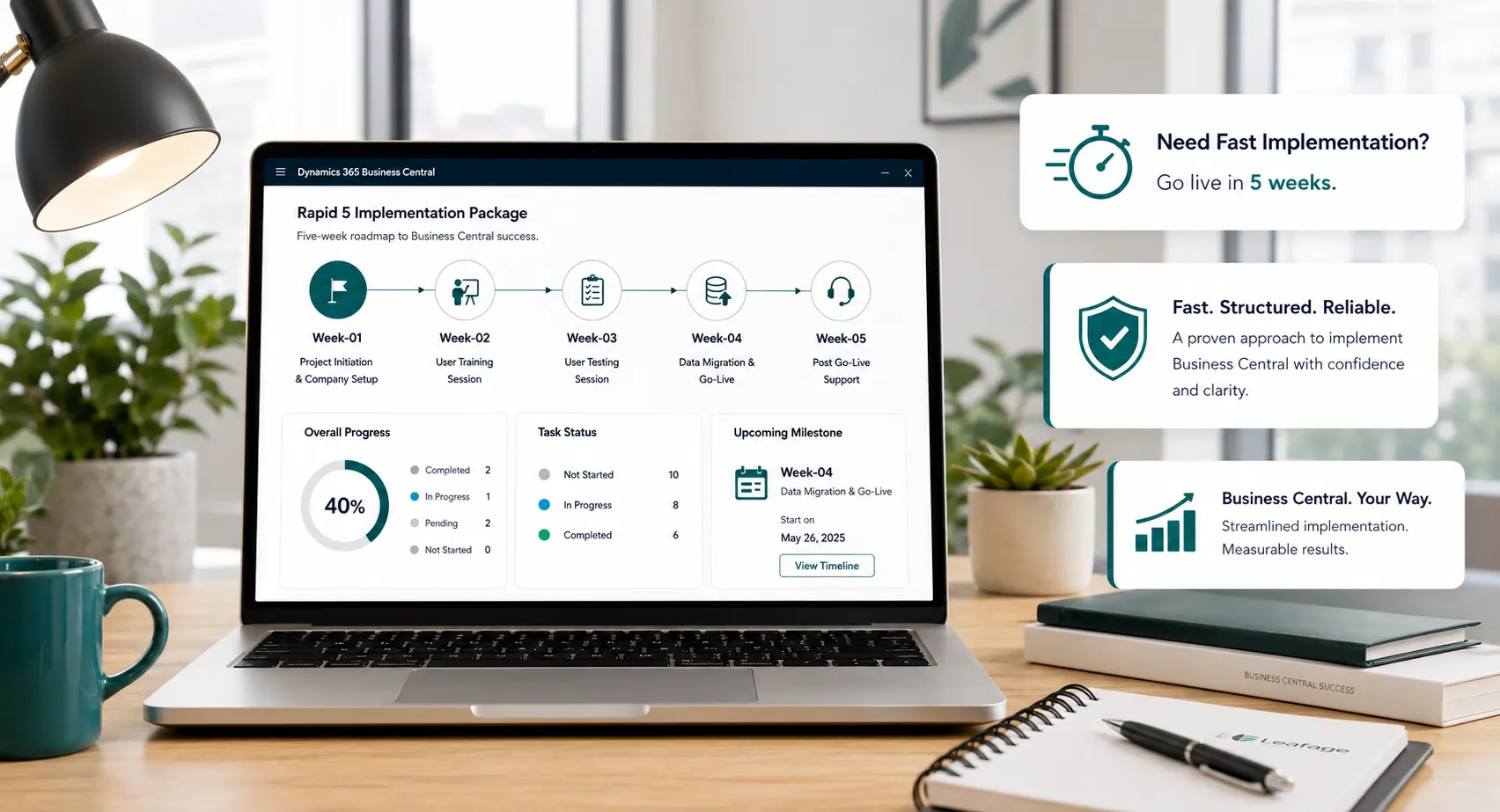 Rapid5 & Rapid8
A clearly scoped, standard-first route for businesses that are ready to move quickly and can work within defined requirements, data-readiness and decision timelines.
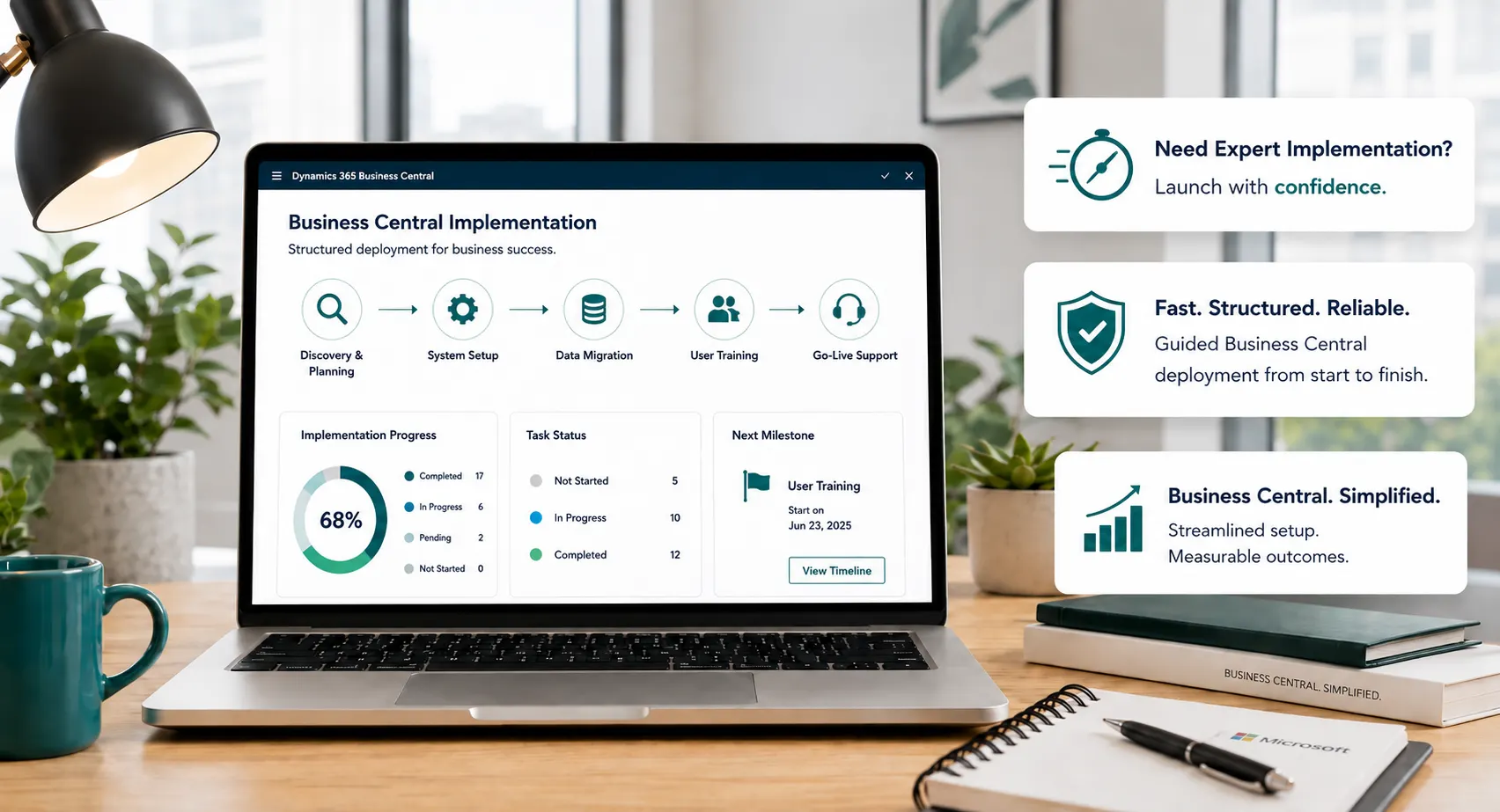 Full ERP Project
A discovery-led approach for organizations with broader process requirements, complex data migration, integrations, custom extensions, multiple companies or phased rollout needs.

We combine process understanding, functional consulting and technical delivery to help businesses implement and improve Business Central with clarity, control and long-term usability.
We start with how your business works, the problems you need to solve and the outcomes that matter before deciding how Business Central should be configured.
We use standard Business Central functionality where it fits and recommend extensions or integrations only when they add clear business value.
We define responsibilities, deliverables, decisions and project stages so you understand what is included and what is required from your team.
Migration, validation, user testing and cutover planning are treated as core implementation work—not last-minute tasks.
Training is aligned to real user roles and business scenarios so teams can work confidently with Business Central after go-live.
After go-live, we can support, optimize and extend Business Central as processes, reporting and business requirements evolve.




Explore practical guidance on implementation, licensing, migration, reporting, manufacturing, support, AI and day-to-day Business Central improvement.
Explore Business Central Insights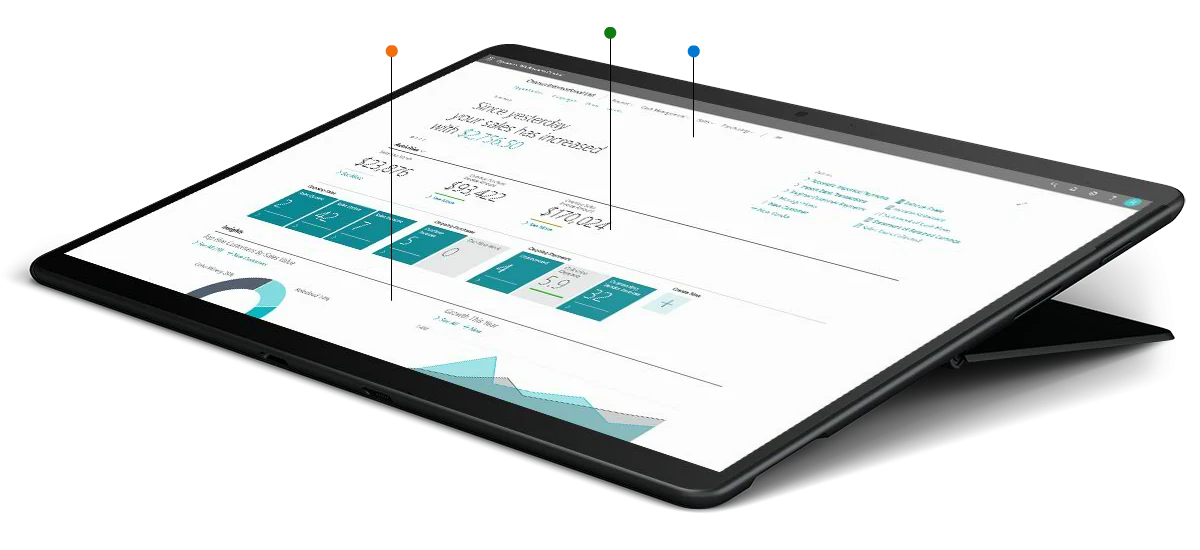
Whether you are starting fresh or improving an existing system, we can help you define the right scope, capabilities and delivery approach.